OutlookAttachView
Copy multiple Outlook attachments to folders
Description
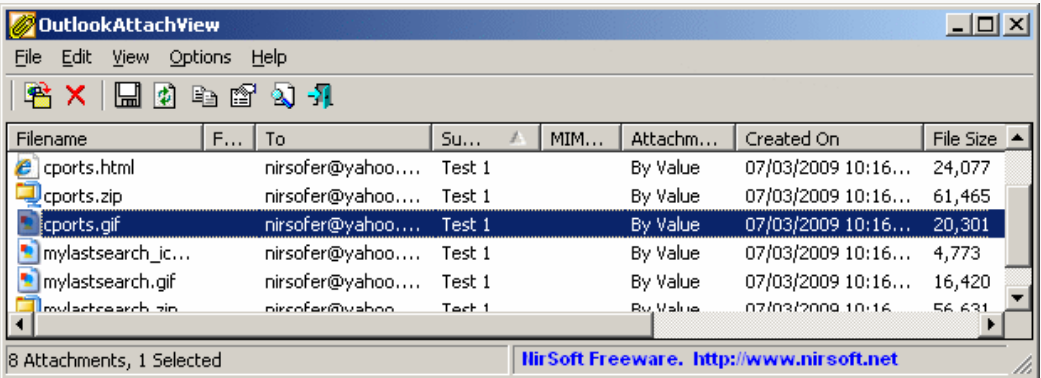
Effortlessly copy multiple Outlook attachments to organized folders with OutlookAttachView. This practical tool scans your Outlook accounts and displays all email attachments in a unified view, allowing you to select numerous files across different messages and copy them to specified directories with a single operation. The interface provides preview options and file information to help you identify the right attachments. You can maintain folder structures or create new organization systems during the copying process. This eliminates the repetitive task of manually saving each attachment individually, making it particularly valuable for users who regularly need to extract and organize large volumes of files from their email communications.
Screenshots