

Geany
Choose your language and encoding then begin editing
Description
With Geany, setup is part of the launch process. You specify your preferred programming language and file encoding before the main editor window even appears. This results in an immediate, correctly configured text editing tile, allowing you to dive straight into development. The IDE maintains a small footprint while providing necessary aids like auto-indentation, symbol browsing, and compiler integration. It's particularly effective for multi-language work or when handling files with different character sets, as the initial choices ensure everything displays and behaves correctly from the outset.
Screenshots
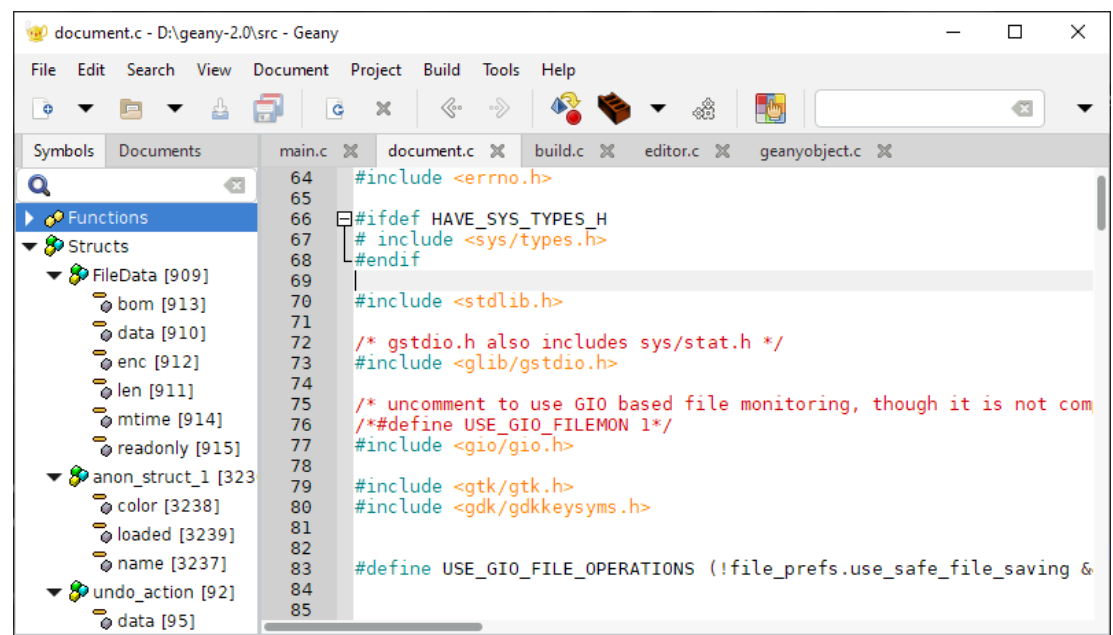
Click to view full size