


People doing B2B sales or local market research often need a list of one type of business in one city. The open-source project Google Maps Scraper has about 7,700 stars on GitHub, and it now ships with a Skill for AI Agents. In Claude Code or Codex, say one sentence like "Find all the dentists in Berlin, with their websites and emails." The Agent plans the searches itself, runs a small sample first, then runs the full scrape on your computer, and finally hands you a table. According to the project, it covers about 120 businesses per minute and collects over 30 fields of public information for each one. What really decides whether this list is worth anything is how you clean it after the scrape, and how you reach out.
What the list can include
| Category | Public information you get | What you use it for |
|---|---|---|
| Basics | Name, category, address, latitude and longitude, opening hours | Define the area and assign field visits by neighborhood |
| Contact | Phone, website, and optionally public emails from the website | The entry point for sales follow-up |
| Reputation | Rating, review count, review text | Find businesses with low ratings that may need your service |
| Export | CSV, JSON, or written to a database | Import directly into a spreadsheet or CRM |
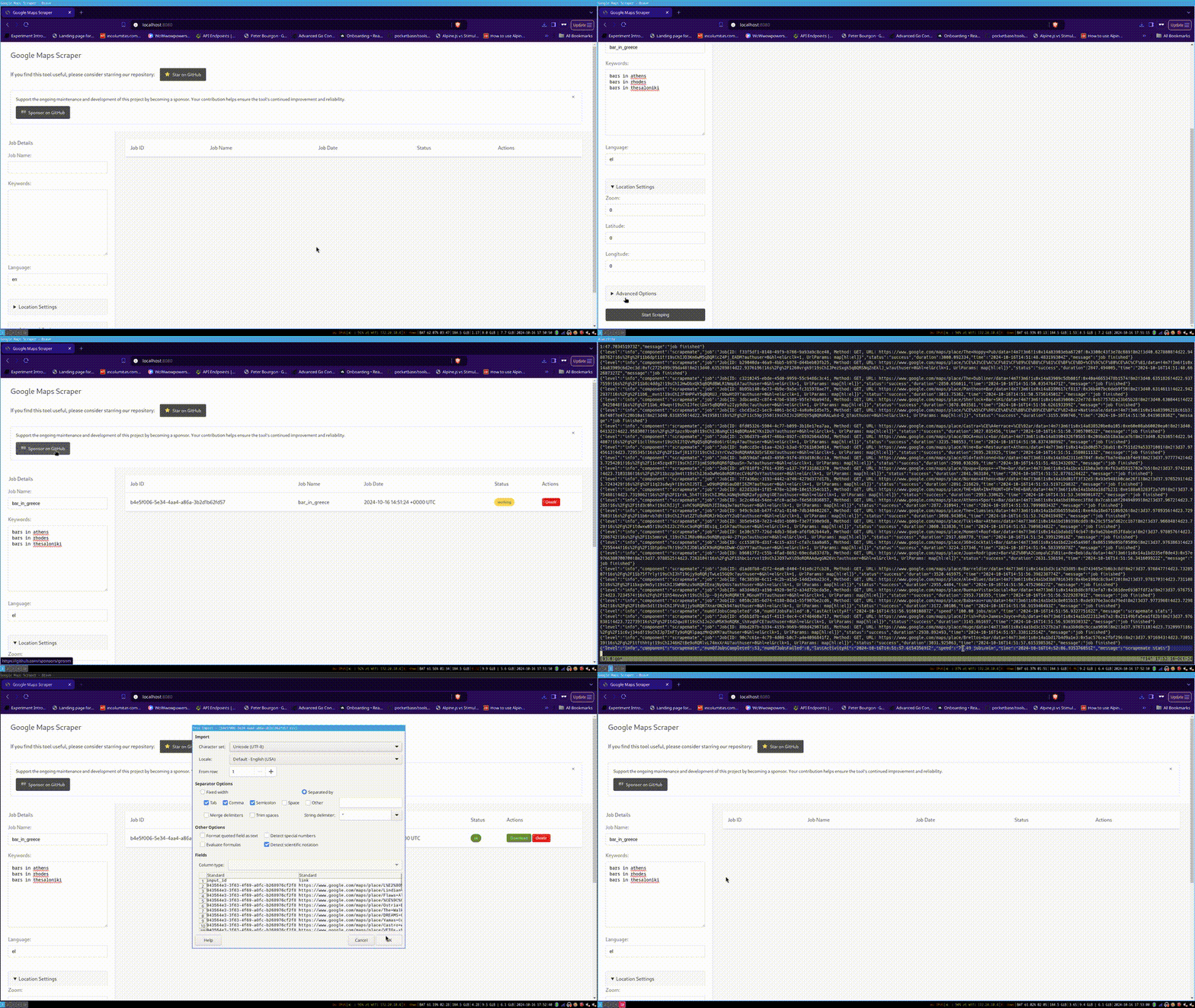
Image from the project repository. The speed and field count are the project's own claims. We have not tested them ourselves.
Why it works: three reasons
- You can start by describing what you need: no command-line options to learn. The Agent only asks three things: what businesses to find, where, and how thorough to be.
- Sample first, then the full run: run one search, confirm it returns results, then scale up. This saves time and makes it less likely to hit a rate limit right away.
- Reviews are more useful than phone numbers: ratings and reviews show what a shop is struggling with. That helps you write a better first sentence than a phone number ever could.
Build it yourself: a five-step SOP

Give the Google Maps Scraper Skill to your Agent, then have it check each step against its "done" criteria.
Sign in to unlock this key section
New accounts get 10 free credits, plus 1 more for each daily check-in. Spend 1 credit to unlock and it stays open for you.
Safety limits
- May breach Google's terms: scraping Google Maps is not an allowed use under Google's rules, and your account or network may be restricted. The project itself also reminds users to use it responsibly under the law. Keep the volume under control, and weigh the consequences yourself.
- Businesses only, not individuals: collect only the publicly listed information about businesses. Do not turn reviewers' or staff members' personal details into a list.
- Check local law before any mass email: the EU's GDPR, the US CAN-SPAM Act and similar laws all set rules for commercial email. At a minimum, identify the sender and offer an unsubscribe option. In the EU, you often also need a lawful basis.
- Keep the sending step for yourself: the Agent only finds and organizes. You decide whether to send emails or make calls.
Common pitfalls
- Some emails are fake: automatic extraction can treat things like image file names as emails. If you send without cleaning, your bounce rate goes up, and it hurts your sending domain's reputation.
- Going full scale right away: a query that is too broad pulls in many unrelated businesses and wastes hours. Run a sample first.
- Looking only at phone numbers and emails: without ratings and reviews, you can only send a generic template, and reply rates are very low.
- Sending too many at once: cold emails to hundreds of businesses in one day quickly get flagged as spam. Small, targeted batches are what work.
- Treating the list as a sale: the list is only a starting point. Someone needs to own the follow-up and the record-keeping.
Project: gosom/google-maps-scraper
Where it usually breaks
- 01Automatically extracted emails include false matches. Sending without cleaning them means a high bounce rate.
- 02A search term that is too broad, run at full scale right away, pulls in many unrelated businesses.
- 03Looking only at phone numbers and emails and not at reviews leaves you able to send only generic templates.
- 04Sending too many cold emails at once gets you flagged as spam.
- 05Treating the list as a sale, with no one following up.
Comments (0)
No comments yet. Start the conversation.