

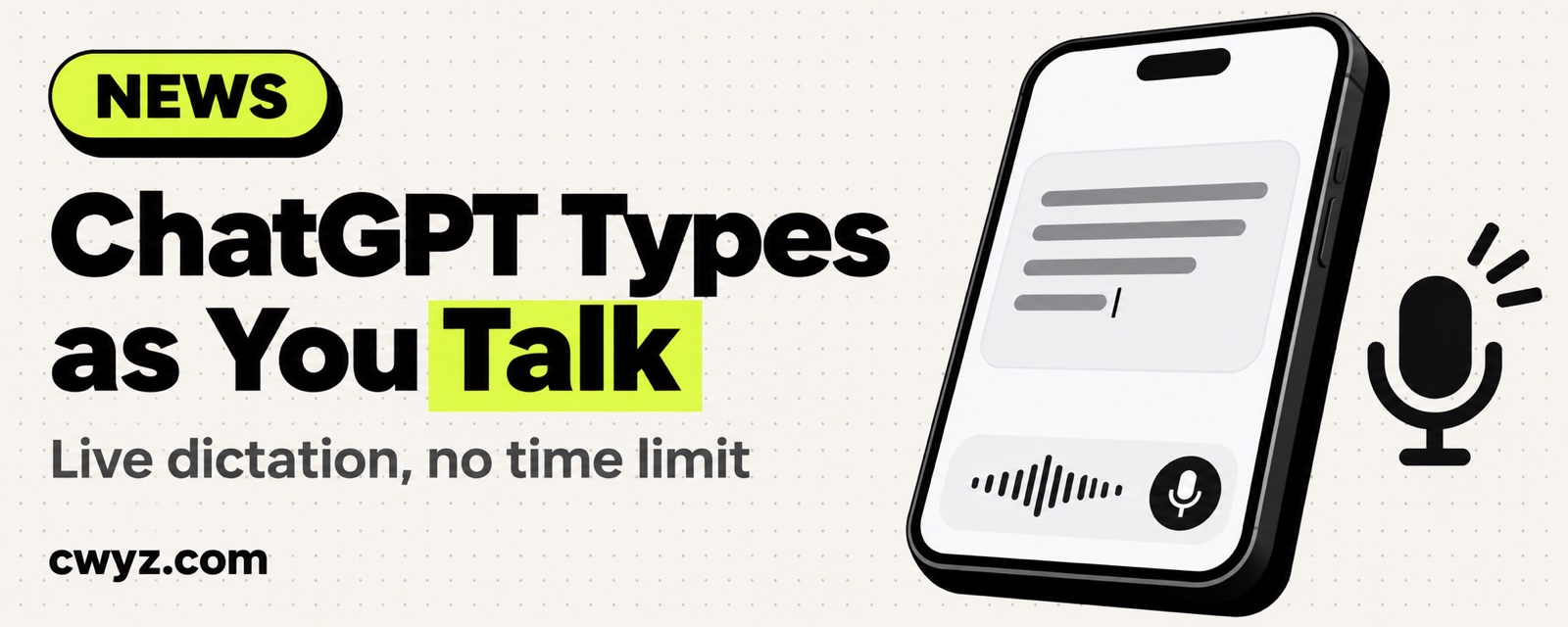
ChatGPT's voice input just changed. Before, you had to finish speaking and stop the recording, and then it transcribed everything in one go. Now there's Live Dictation: the text appears as you talk, and the 10-minute recording limit is gone. It's rolling out in stages to all plans on the web, desktop, and the mobile app.
What happened
Tap the mic in the ChatGPT input box and you're dictating. Dictation only turns your speech into text in the input box. It doesn't reply right away, so you can check the text before you send it. This update brings three changes:
| What changed | Before | Now |
|---|---|---|
| When text appears | After you finish speaking | As you speak. Tap the waveform to see live text |
| Recording length | Up to 10 minutes | No limit |
| Reliability | Occasionally failed to transcribe | OpenAI says it's more reliable |
It's different from voice mode. In voice mode, ChatGPT talks back to you. Dictation just helps you type.
How to get more out of it
Dictation works best for long spoken notes: the points you thought of before a meeting, a long brief for your AI agent, or the content of a voice memo. Don't send right away. Scan the proper nouns and numbers for mistakes first, then send.
To have ChatGPT tidy up a long dictation, say the following after you finish speaking:
The text above is what I dictated. It may contain slips of the tongue and repeats. Please:
1. Organize it into clear bullet points, keeping my original meaning. Don't add anything I didn't say
2. List names, product names, and numbers separately, and mark anything you're unsure of so I can confirm
3. Finish with one sentence stating what I actually want you to do
Notes
- The rollout is gradual. If you don't see the feature in your app yet, check back in a few days, and update the app to the latest version first.
- It can still mishear words in noisy places or when you mix Chinese and English. Always scan before you send.
- The recording mode OpenAI launched last year (for meeting notes and voice memos) is still in testing. Only Plus and Pro plans, and business and education workspaces, can use it. It's a different feature from this dictation.
Comments (0)
No comments yet. Start the conversation.