

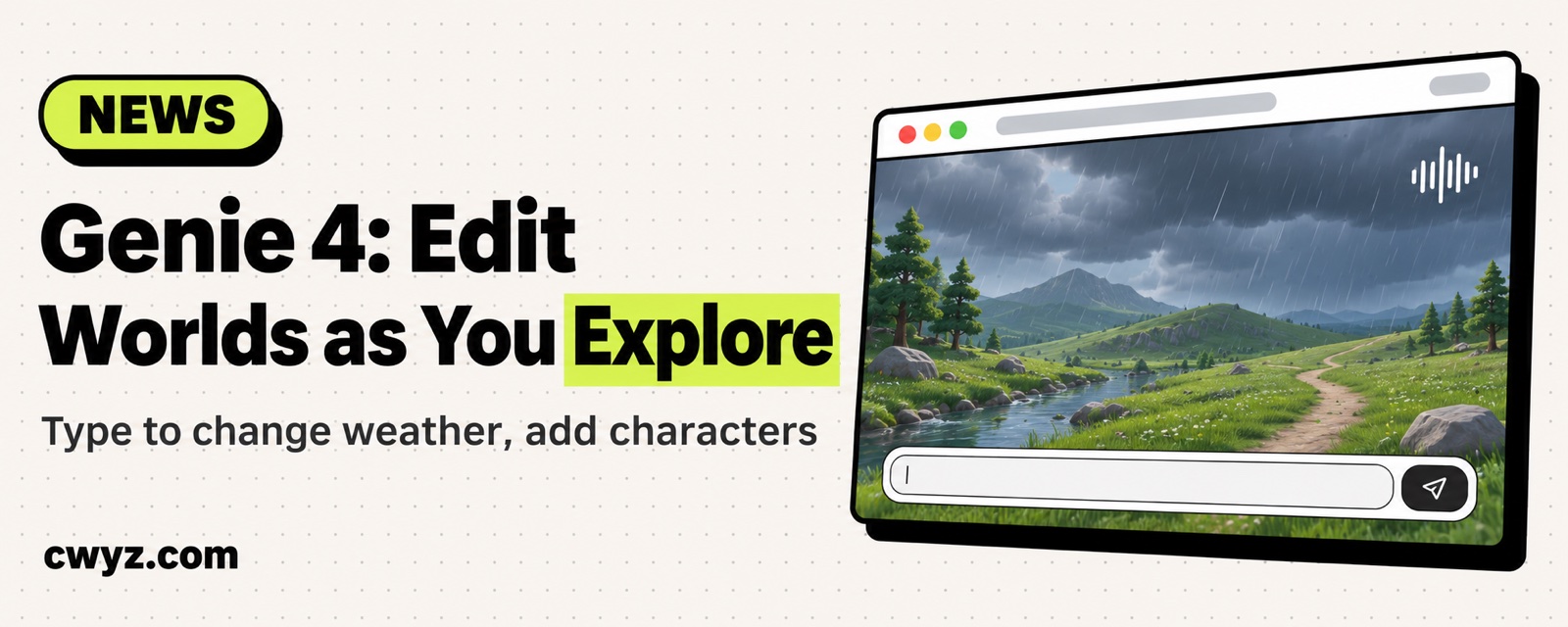
Google has upgraded Project Genie to Genie 4, its newest world model. After you generate a 3D world from one sentence and walk around in it, you can now type to change it while you explore: make it start raining, drop a character into the scene, and the sound shifts with the scene in real time. The update is rolling out first to eligible Google AI Ultra subscribers. Pro users can join a waitlist.
What happened
Project Genie is Google's browser experiment for generating worlds. You describe a scene, and it builds a world you can walk through with the keyboard and look around in. This update brings four things:
| What's new | What it does |
|---|---|
| Genie 4 model | Type changes while you explore: switch the weather, add a character, change where the story goes. It's the first version with native audio, so ambient sound and character dialogue shift with the picture |
| Genie 3 upgrade | Still in the model menu. Better for longer explorations, or for worlds built from a 360-degree panorama |
| Project Genie assistant | Describe the world you want in a chat. It calls several Google models to set the visual style first, then adds background music that fits the mood |
| Community gallery | Explore worlds other people have built, or remix one and publish your own |
You can also bring Gemini into a world while you explore. It looks at the screen and suggests where to go next, or triggers events in the world. All generated visuals and sound carry a SynthID watermark.
Who can use it
- Google AI Ultra: Eligible users can use it now. Region and age limits are listed on the official page.
- Google AI Pro: Waitlist only for now.
- Free users: Not included in this rollout.
Google also says Genie is still a frontier research model. Camera lag, complex physics, sound accuracy, and keeping a scene stable over long periods are all still being improved, so don't plan on using it for a production game.
What to try first
If you don't want to start from scratch, browse the gallery first. Pick a ready-made world and try remixing it to learn which instructions it understands. To build your own, have your AI agent write the description first:
I want to generate a world in Google Project Genie that I can walk around in. Please write an English description for me, with these requirements:
1. The scene is: [e.g., a rainy night street food stall in an old town]
2. Specify the viewpoint (first-person walking), the time, the weather, the light, and three or four specific objects
3. Then prepare 3 short editing instructions I can type while I walk, such as changing the weather, adding a character, or triggering a small event
4. Keep each one short, one sentence each, and don't pile up adjectives
Notes
- This is an experimental product. If the scene drifts halfway through or objects vanish, that's normal. Rephrase and try again.
- Anything you publish to the gallery can be seen and remixed by others. Don't post private photos where people can be recognized.
- Before you turn private photos into "moving memories," make sure the people in them have agreed.
References
- Genie 4 is now available (Google official blog)
- Curious what else comes with Ultra? What's packed into a Google AI Ultra subscription
Comments (0)
No comments yet. Start the conversation.