

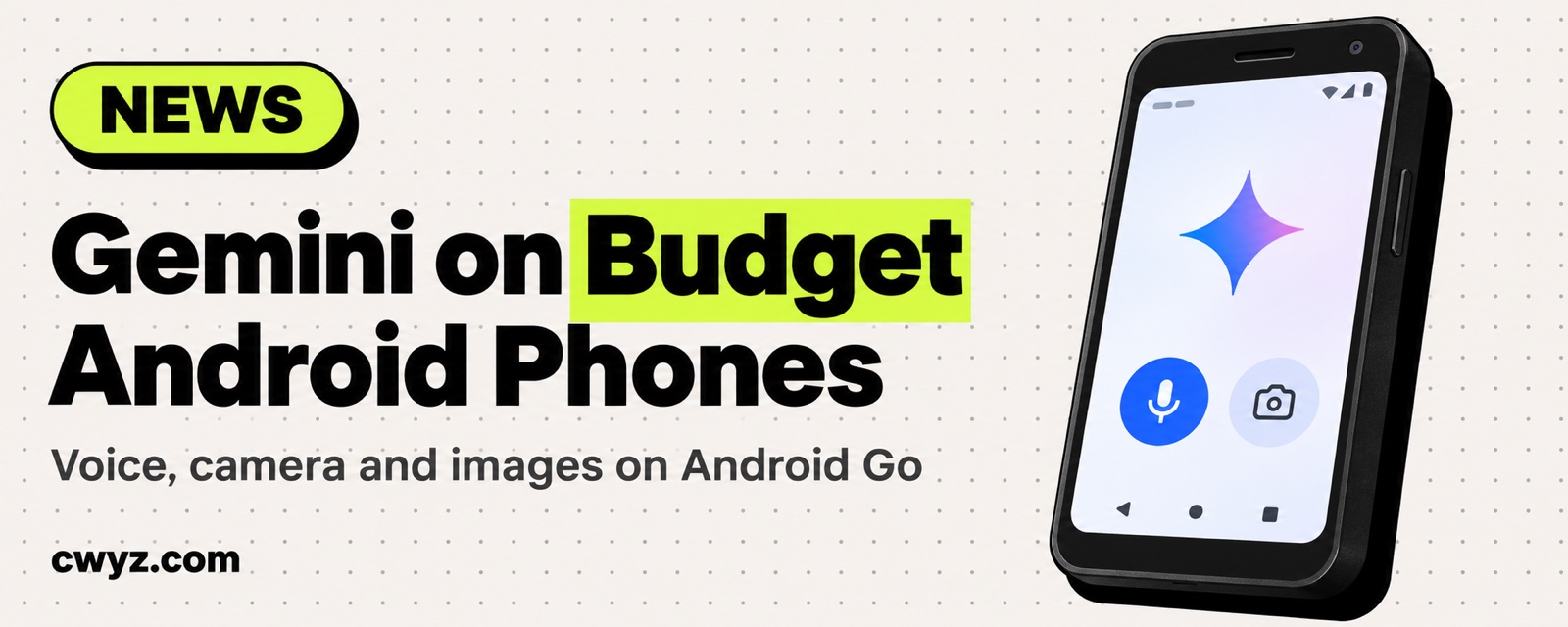
Google is bringing the Gemini app to low-memory, entry-level Android phones. Eligible Android Go phones can now run Gemini for voice chat, camera-based translation, and image generation. Until now, the hardware limits on these phones meant only a handful of basic voice commands.
What happened
Android Go is Google's lightweight version of Android, built for phones with little memory and low prices. Hundreds of millions of people use phones like this every day to get online, study, and run small businesses. Google says it redesigned the Gemini app so its core features run smoothly on small-memory devices.
| What it does | Example |
|---|---|
| Gemini Live voice chat | Talk in 45+ languages, or practice a job interview, without typing long messages |
| Camera recognition | Snap a photo of your notes or a table, and have it explain or translate what's there |
| Nano Banana image generation | Make a poster for a weekend bake sale |
How to install it
- Search for Gemini in Google Play and download it.
- On supported phones, long-press the power button to bring it up.
- Newer phones from manufacturers such as Transsion will come with it preinstalled.
Not every Go phone can install it. Google says "eligible devices." If Google Play can't find Gemini or says it's incompatible, your model isn't on the list yet.
Who it's for
An entry-level phone used by family members or kids, or a spare phone you have lying around, can now use the same AI assistant. When you set one up for an older relative, three things are enough to teach them: long-press the power button to open it, just speak, and take a photo to ask.
Notes
- Entry-level phones have little memory. If you have a lot of apps open at once, Gemini may slow down or get closed by the system.
- Photos and voice are uploaded to Google for processing. Don't photograph IDs, bank cards, or other sensitive documents.
- Which models and regions are supported depends on what Google Play shows.
Comments (0)
No comments yet. Start the conversation.