

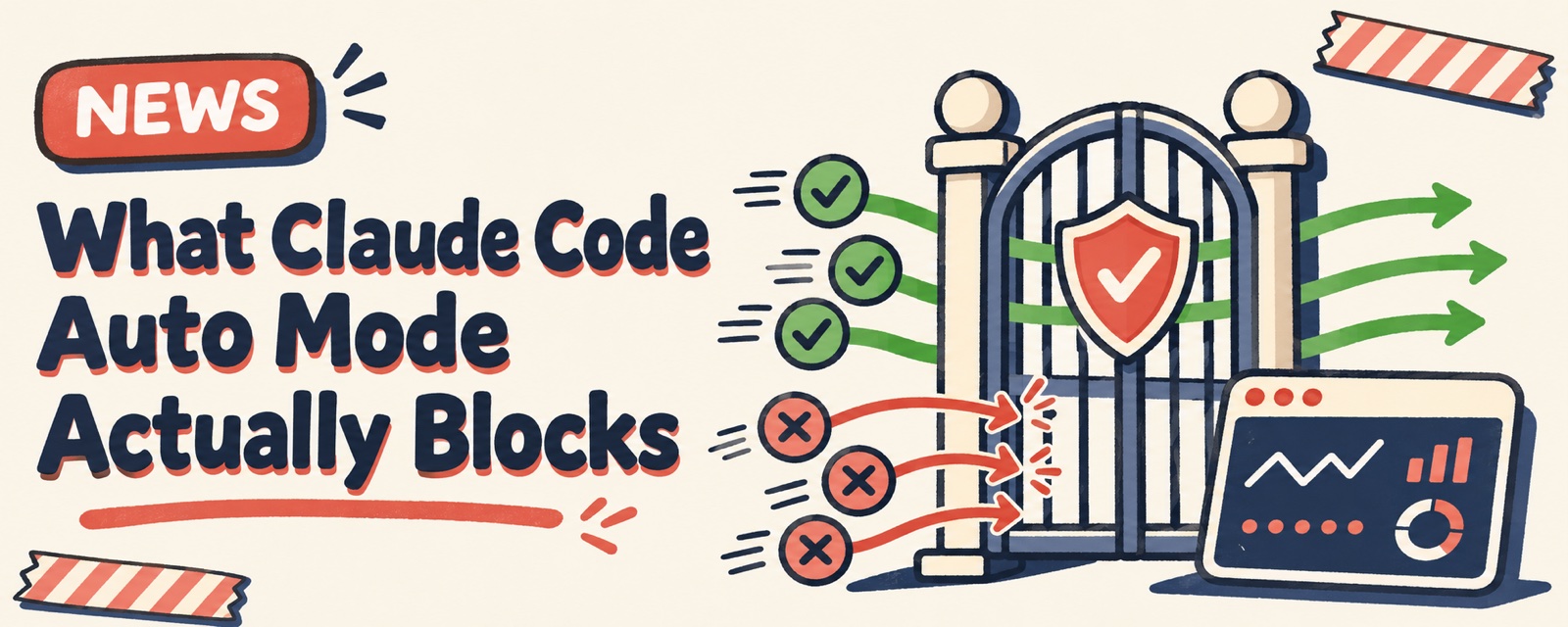
Claude Code's Auto Mode hands the permission prompts you normally click "Allow" for to a separate classifier model. The model reviews each action before it runs, lets safe ones through, and blocks dangerous ones. According to Anthropic's official docs, what it saves is the time you spend watching the screen and clicking confirm. The docs also state plainly that it does not guarantee safety.
What It Blocks for You
The default blocks listed in the official docs are all actions that are hard to undo:
| Blocked by default | Example |
|---|---|
| Downloading and running right away | `curl ... |
| Sending sensitive data outside | Keys, internal files |
| Changing production | Production deploys, database migrations |
| Mass-deleting cloud resources | Wiping a whole storage bucket in one go |
| Rewriting Git history | Force pushes, git reset --hard |
Everyday actions like reading and writing files in the project folder and running tests are allowed right away.
There is also a safety net. If it is blocked 3 times in a row, or 20 times total in one session, Auto Mode pauses and goes back to asking you at every step. When Claude keeps trying risky moves, the decision goes back to you.
How It Differs from Turning Everything Off
Some people find the prompts annoying and just turn all permissions off. The two are very different:
| Auto Mode | Everything allowed (bypassPermissions) | |
|---|---|---|
| Is anything checked before it runs? | Yes, the classifier model checks each action | No |
| Risky actions | Blocked by default | Run directly |
| Where the official docs suggest using it | Everyday development | Only in isolated containers or virtual machines |
So in the end, people who want to save effort without risking accidents mostly keep Auto Mode on.
Cost
Reviews run on the classifier model. According to the official docs, in a session connected directly to Anthropic, the server can do the review together with the normal request. When the server does not do it (common with third-party gateways or proxies), Claude Code sends its own classifier request instead. On accounts that bill for those requests, it shows a billing notice. Some user reports blame unusual bills on Auto Mode. There is no bill or setting to check that against, so these reports are not verified yet. If you suspect it is using up usage, check where the usage went with /usage first.
Notes
- Starting with version 2.1.283, interactive sessions in the terminal and VS Code start in Auto Mode by default. This is the same for all plans.
- To make it your default mode, put
defaultMode: "auto"in the user-level~/.claude/settings.json. It does not work if you put it in project settings. - The classifier model can also get it wrong. Check important actions yourself before they run, and keep backups.
- For scheduled jobs and other runs that nobody watches, think hard about what you allow them to do first.
Official details are in Claude Code's permission modes.
Comments (0)
No comments yet. Start the conversation.