

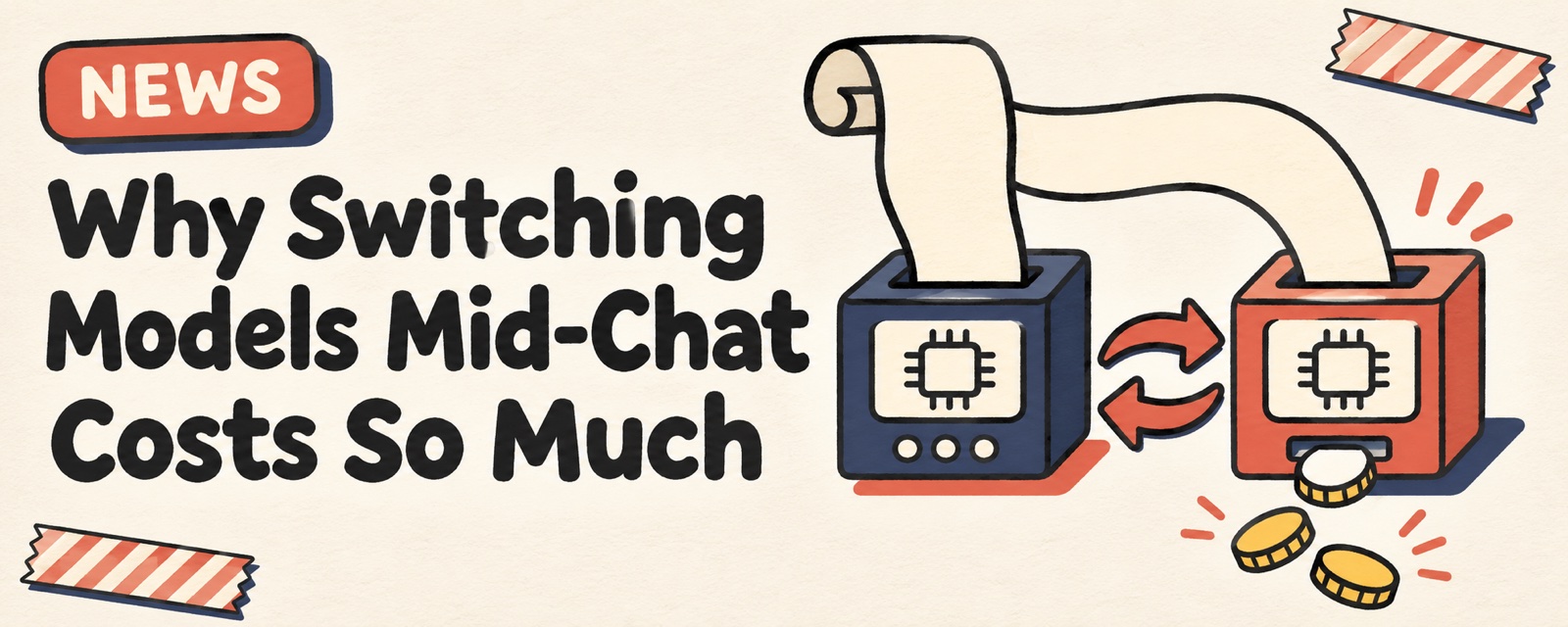
If you chat for a long time in Claude Code and then switch models with /model, the next message will be much slower and more expensive. The official docs explain why. Each model has its own cache. After you switch, the whole conversation history must be processed again on the new model from the start. None of the cache is reused, even though the content has not changed at all.
Why switching costs so much
Claude Code sends the full conversation history with every request. Normally that history uses prompt caching, which is billed at a much lower cache price. So even a short question in a long session is cheap.
The cache is stored separately for each model. When you switch to another model, the new model has no cache yet, so:
- Hundreds of thousands of tokens of history are billed again at the normal input price. This turn is also noticeably slower.
- Only after the new cache is built do the following messages go back to the cache price.
The official docs also list some cases that look like no switch but still count as one:
| Case | Why it counts as a switch |
|---|---|
The opusplan setting |
Plan mode uses Opus and execution uses Sonnet. Each switch into plan mode changes the model. |
| A Skill or command sets a different model | That turn runs on the model it specifies. |
| Fast mode is on and the current model does not support it | The model is switched as well. |
| Automatic fallback is triggered | The request is sent to a backup model, and the session stays there. |
While the cache is still warm, the terminal version of Claude Code asks whether you want to switch. That confirmation prompt is a warning about this cost.
A cheaper way to switch
If you only want another model to look at one problem, do not bring the whole history with you. First, ask the current model to boil the problem down to a short note. Then start a new session and ask there. Send this to your AI agent:
I want to take the problem I'm stuck on to a new session and ask a different model. Write a problem summary with these rules:
1. In one sentence, say the goal and where I'm stuck.
2. List the paths of related files and the key lines. Do not paste whole files.
3. Say what I have already tried and what happened.
4. Finally, write the specific question I want the other model to answer.
Keep it under 300 words. When you finish writing, stop. Do not keep changing code.
One user report says that after trying this method, their usage dropped less sharply. This is one person's experience and is not verified yet. We do not know how much it saved.
Notes
- When you switch to an unrelated task, use
/clearto start a new session./clearitself costs nothing./compactreads the whole conversation before it summarizes, so in a long session it is a big request on its own. - If you leave for a long time, the cache expires. The first message when you return will process the whole history again.
- On most models, changing the effort level in the middle of a session also breaks the cache. According to the official docs, models after Fable 5.1, as well as Opus 5.5, Sonnet 5.5, and Haiku 5.5, keep the cache when you change the effort level.
/usageshows the cache hit rate and the reason for the most recent cache miss.
Official docs: How Claude Code uses prompt caching. To learn more about the cache itself, read the cache handbook.
Comments (0)
No comments yet. Start the conversation.