

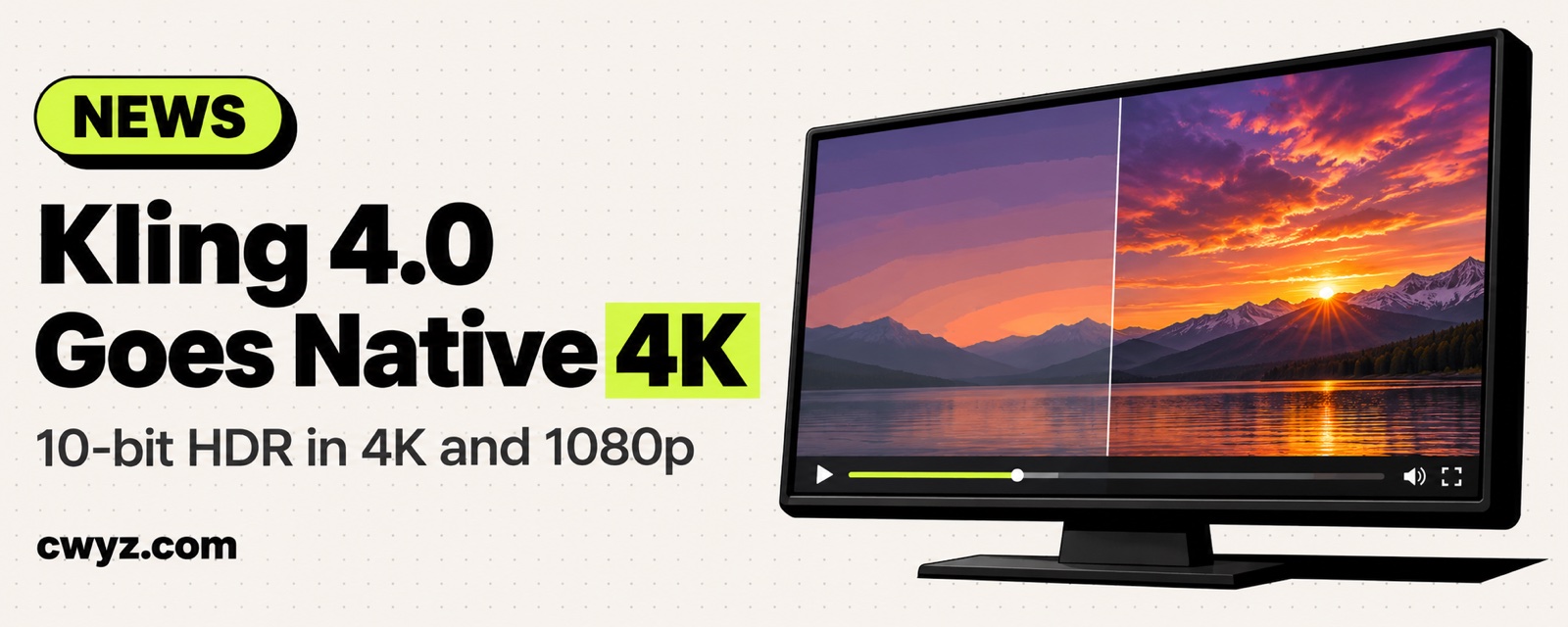
Kling 4.0 takes image quality up another notch. It now supports native 4K resolution, and both 4K and 1080p can output 10-bit HDR. Put simply, there's more detail, colors transition more smoothly, and shadows and highlights are less likely to blur together.
What happened
Kling's official team announced two new quality features for Kling 4.0:
| New feature | What it means | What it does for you |
|---|---|---|
| Native 4K | Generates 4K frames directly, instead of making a smaller image and upscaling it | Detail holds up on big screens, projectors, and re-edits |
| 10-bit HDR | Each color can show many more tonal levels than standard 8-bit | Smoother transitions in skies, skin, and night scenes, with less banding |
HDR works at both 4K and 1080p, so you can get better color even if you don't need 4K.
When it's worth turning on
- Big screens or color grading: For ads, promo videos, and footage you'll grade in an editing app, 4K plus HDR is the best deal.
- Phone short videos: 1080p is good enough. Turn on only HDR and save the time and credits that 4K generation costs.
- Still testing shots: Test the motion and framing at low resolution first. Turn on 4K for the final take, or every redo will eat credits.
To have your AI agent plan a "test first, finalize later" workflow, say this:
I'm making a [X-second] video with Kling 4.0. It's for [e.g., a product promo that will play on a big screen]. Please help me:
1. Split the shot into several segments, with one sentence describing each
2. Tell me which segments to test at low resolution, and which one to switch to 4K and HDR when I finalize
3. Remind me what to watch for when exporting and publishing HDR footage so the colors don't look washed out after upload
Notes
- The official announcement doesn't clearly say how many credits 4K and HDR cost, or which membership tiers can use them. Check the Kling website and app for the details.
- HDR video can look washed out on screens or platforms that don't support it. Before you publish, upload a test clip to the target platform first.
- 4K files are large, so leave enough disk space before you download and edit.
Comments (0)
No comments yet. Start the conversation.