


What happened
On November 9, the open-source project Poki released an iPhone app. An AI agent can now tap the screen and type on your iPhone, switch between apps, and finish tasks for you. According to the author, no jailbreak is needed, and no extra hardware either. Poki was open-sourced on GitHub on November 5 under the AGPL-3.0 license. In four days it gained about 680 stars. The app is still a preview (0.2.9), and the author warns that it may break.
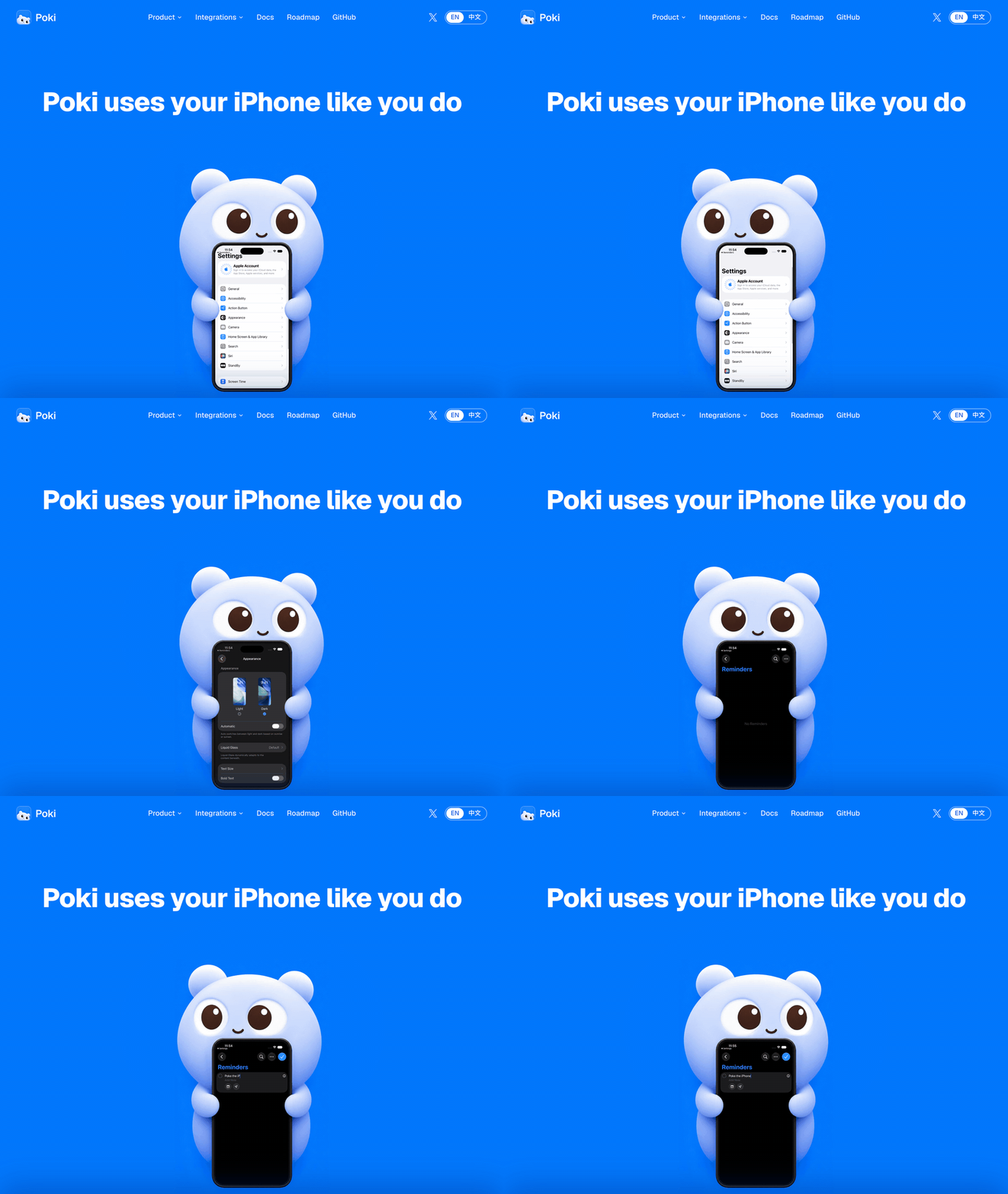
Image from Poki's GitHub repo.
According to the project README, this release includes:
- Runs directly on the phone: Control happens inside the Poki app's own process. The author says that reading the screen, taking screenshots, tapping, and typing all happen locally on the iPhone, so the computer doesn't have to relay anything.
- Four ways in: You can send commands from the Poki app on your phone, from iMessage, from Telegram, or from a computer terminal. If you already use Claude Code or Codex, you can add Poki as an MCP server and use your existing subscription.
- Gets faster with use: Successful flows are saved as fixed routes. The next time Poki meets the same screen, it replays the route without calling the model. It only asks the model to look again when the screen changes.
- You approve sensitive actions: For payments, deletions, sending messages, and phone calls, the app shows allow and deny buttons in the Dynamic Island and on the Lock Screen Live Activity. Allowing one also requires Face ID.
- Voice conversation: Built-in real-time voice lets you talk to Poki like a phone call and have it operate the phone. This feature uses OpenAI's realtime voice API, so you need an OpenAI API key configured on your own Mac. It is billed by usage.
Why it matters
Several Android tools already let AI operate a phone. iPhone has been much harder, because iOS does not allow other programs to tap the screen for you. Earlier approaches either required a jailbreak or a hardware device that plugs into a computer and simulates a mouse. Poki uses the same interface Apple provides to developers for automated testing. Anyone can install it with a free Apple account.
Two more points make it friendly for regular users:
- The Agent does the install: The repo includes an install skill, and Claude Code or Codex follows it step by step. You only tap the few things iOS already asks you to tap on the phone.
- Use it away from the computer: Once it runs on the phone, you can still have it do work while you're out, through Telegram or iMessage.
For a similar tool on the computer side, see agent-desktop: AI can operate apps on your computer without screenshots.
How to get started
You can get the installer from the Poki download page (lvruan.com). The easier route is to have an Agent on your computer install it for you:
Sign in to unlock this key section
New accounts get 10 free credits, plus 1 more for each daily check-in. Spend 1 credit to unlock and it stays open for you.
After installing, test it on something unimportant first, like "open Notes and create a new note". Confirm that it taps accurately, then hand it tasks that span multiple apps.
Caveats
- Still a preview: The author says this is an untested snapshot that can fail at any time. Don't use it for anything important.
- Only tested with a Chinese UI on a real device: It supports portrait mode only. Landscape games and apps may not respond to taps.
- It really acts: If you ask it to send a message or pay, it will do it. Keep confirmation on for sensitive actions and don't tap allow every time.
- Screen content goes to the model: Chat history, bills, and other private details can be seen. If that matters to you, choose a model service you trust.
- May break other apps' terms: Automating third-party apps and websites may violate their terms of service and risk account restrictions. Assess that yourself.
Comments (0)
No comments yet. Start the conversation.