

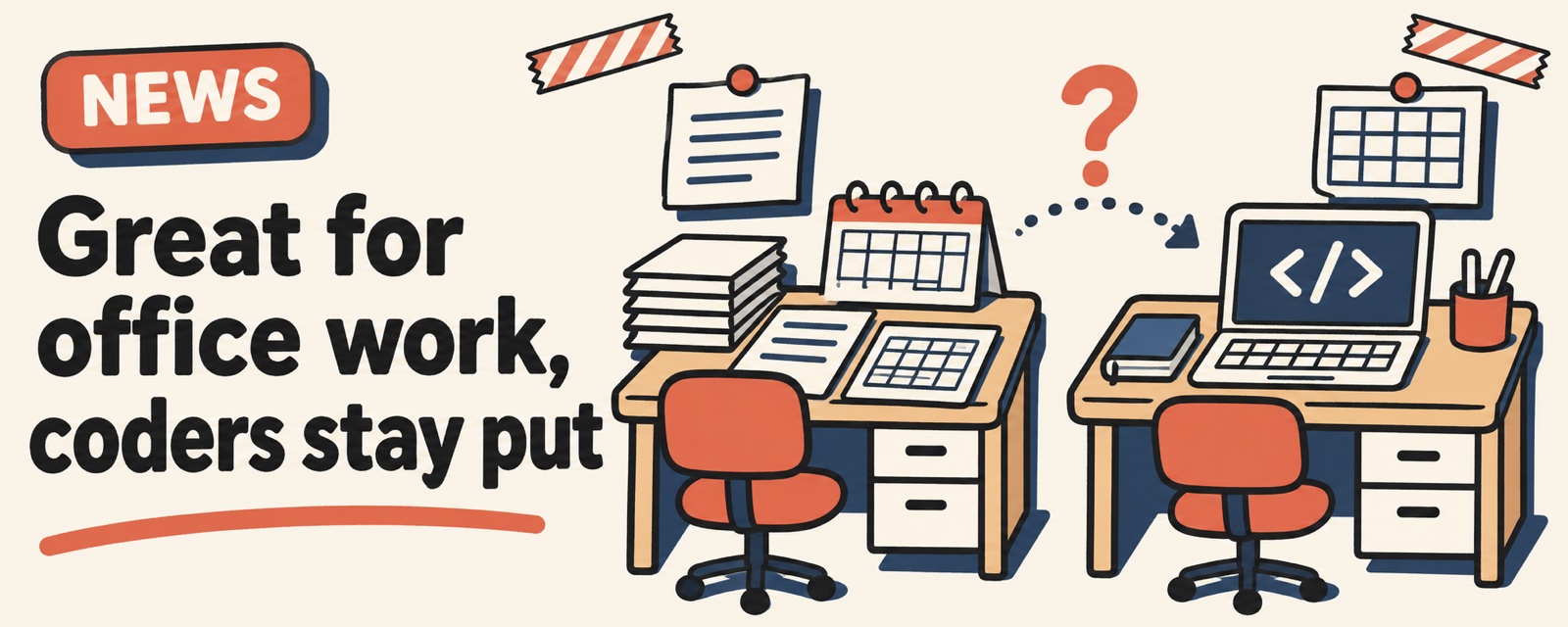
Tencent's AI office assistant WorkBuddy has been getting a lot of buzz lately. People who have tried it split into two camps: those doing office work find it handy, while most people who write code have no plans to switch. The views below are personal feedback from users and are not verified yet. For official features and quotas, check the product page.
What the fans like
- Office work and its ecosystem. Some people find it handy for everyday tasks like documents and spreadsheets, and it works smoothly with common office software.
- Speed. Some say it has felt faster lately than the coding agent they already use. This is a gut feeling, not a side-by-side test on the same task.
- Free. One user put it bluntly: it's fine, but only because it's free.
Why the others stayed put
People who mainly use a coding agent mostly agree. They have no office automation needs, their current tool does the job, and they see no reason to move. Some also mention that requests sometimes hang.
So "is it popular" and "is it right for you" are two different questions:
| Your situation | Suggestion |
|---|---|
| You handle documents, spreadsheets, and reports every day | Worth a try. Run one task you do every week through it |
| You mostly write code and already have a coding agent you like | No rush. Wait until you have a real office need |
| You only want the free quota | Quota rules change. Don't build a fixed workflow on top of them |
Claims I could not confirm
- The monthly active user numbers going around. I could not find a source I can check, so I won't quote them here.
- Claims like "it shares quota with the company's coding tool" or an education edition. Not verified yet. Follow the official docs.
Want to try it?
Send this to it. You can judge in ten minutes whether it's worth keeping:
I do this task every week: [task, for example merge three weekly reports into one summary]. First, tell me which files and permissions you need. Then list which steps you can do automatically and which need my confirmation. Then do only the first step and show me the result.
Watch out
- Before you connect an office account, check what permissions it asks for, and only give it what this task needs.
- Quotas and features change fast. Check the product page before you start.
Comments (0)
No comments yet. Start the conversation.