

Agents should not be black boxes: after launch you need to see what each step did, how much it cost and where it failed, or there is no basis for improvement.
Keep These Points in Mind
- One complete task is one trace, and each step inside it (calling a model, querying data) is a span.
- After launch, watch: latency, cost, request errors, user feedback, and accuracy.
- User feedback is either explicit (likes, ratings) or implicit (repeatedly asking the same thing, clicking retry).
- You can use a model to score results, or use an open-source library for automated evaluation.
More Detail
Why monitor. When something fails, tracing shows which step caused it; for cost and speed, it reveals which step is too expensive or too slow; for safety and compliance, it leaves an audit record; for improvement, it gives you real data.
Metrics to watch.
| Metric | What to look at |
|---|---|
| Latency | How long the whole task and each step took; switch to a faster model or run steps in parallel if needed |
| Cost | How much each run costs; a sudden spike is usually an infinite loop |
| Errors | API failures and tool failures; configure retries and fallbacks |
| User feedback | Ratings and comments; also check whether users keep asking the same question |
| Accuracy | Define what counts as correct first, then measure it with labels or scoring |
Evaluation. Before launch, compare versions against a fixed test set; after launch, check real traffic. The results from both feed back into each other.
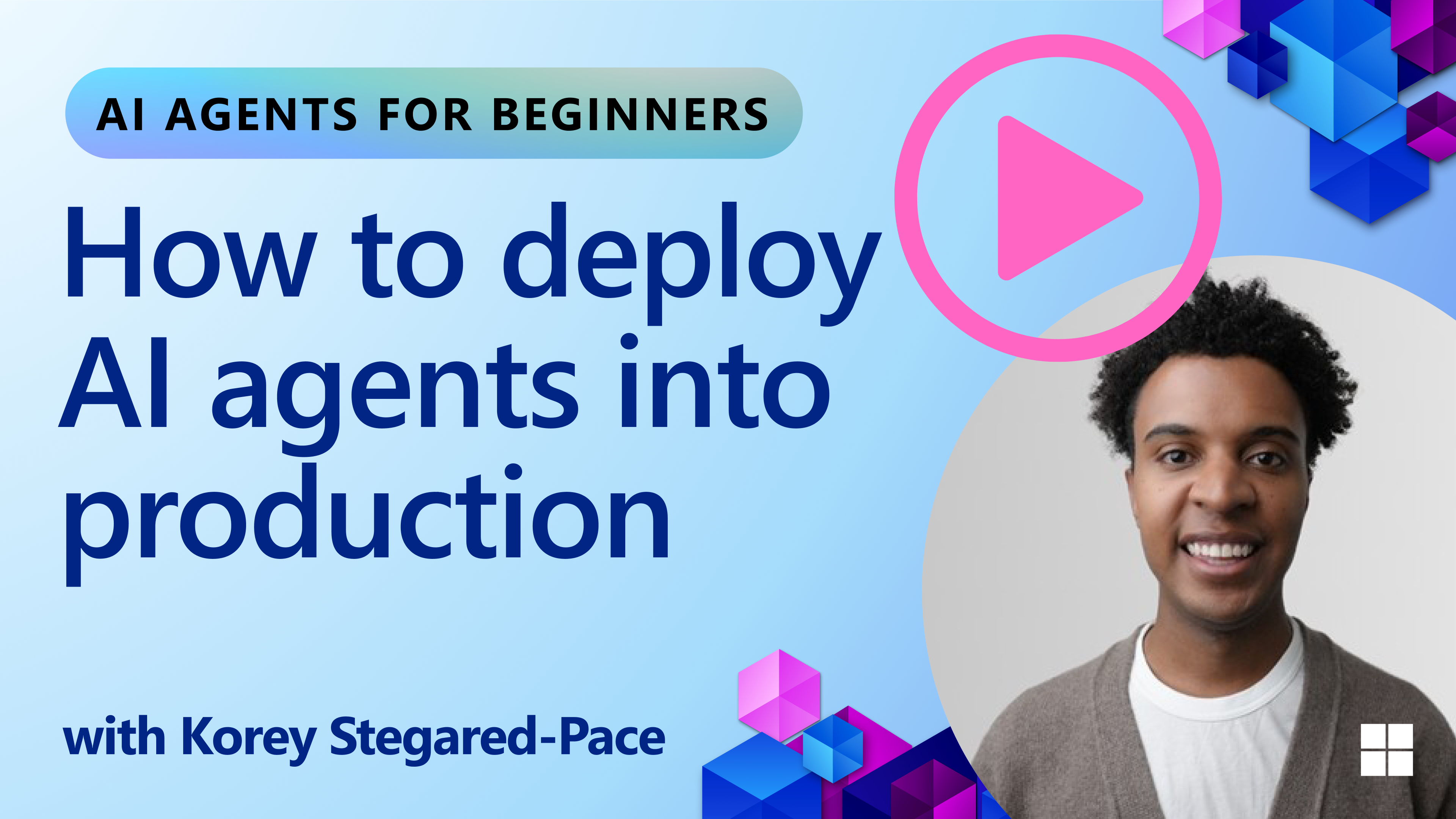
Image from the course repository.
Try It Yourself
Add a log to one of your agents: for each run, record the start, each tool call, the total time and the token count, then see which step is the most expensive.
Let an Agent Teach You
Give the following to your agent (Claude Code, ChatGPT and Gemini all work), and it will guide you step by step like a mentor.
Sign in to unlock this key section
New accounts get 10 free credits, plus 1 more for each daily check-in. Spend 1 credit to unlock and it stays open for you.
References
- Content adapted from Lesson 10 (
10-ai-agents-production) of microsoft/ai-agents-for-beginners, originally released under the MIT License. - For the original and full code: 10-ai-agents-production
- For all courses, see the Agent Course Roadmap
Comments (0)
No comments yet. Start the conversation.