

What you get
Even if you cannot model and have never done animation, AI can help you make moving 3D pictures: a cartoon character that spins in place, an old water mill where you can see how the inside works, or a historical map whose route draws itself. You just describe what you want in plain words, and an AI assistant on your computer does the rest. It works from a set of open-source Skills, which you can think of as professional instruction manuals written for AI. This article has 4 prompts you can copy and paste directly.
You only share ideas and pick results. The AI handles everything, from installing software and building models to editing video. The first time will be slower, mostly because of the software installs.

See what it can make first
Each of the three animated GIFs below was made by the author with this Skill, from one sentence each:
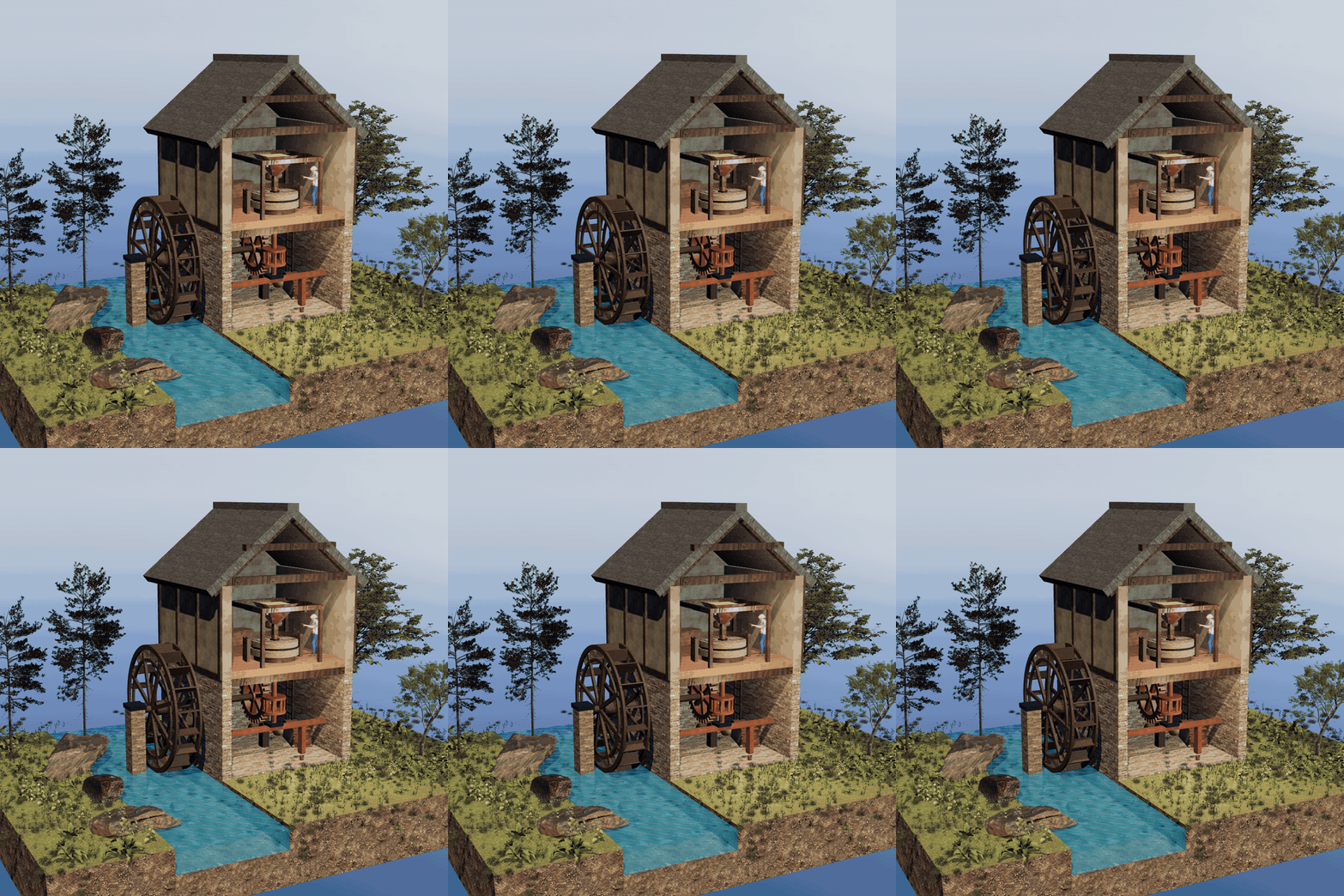
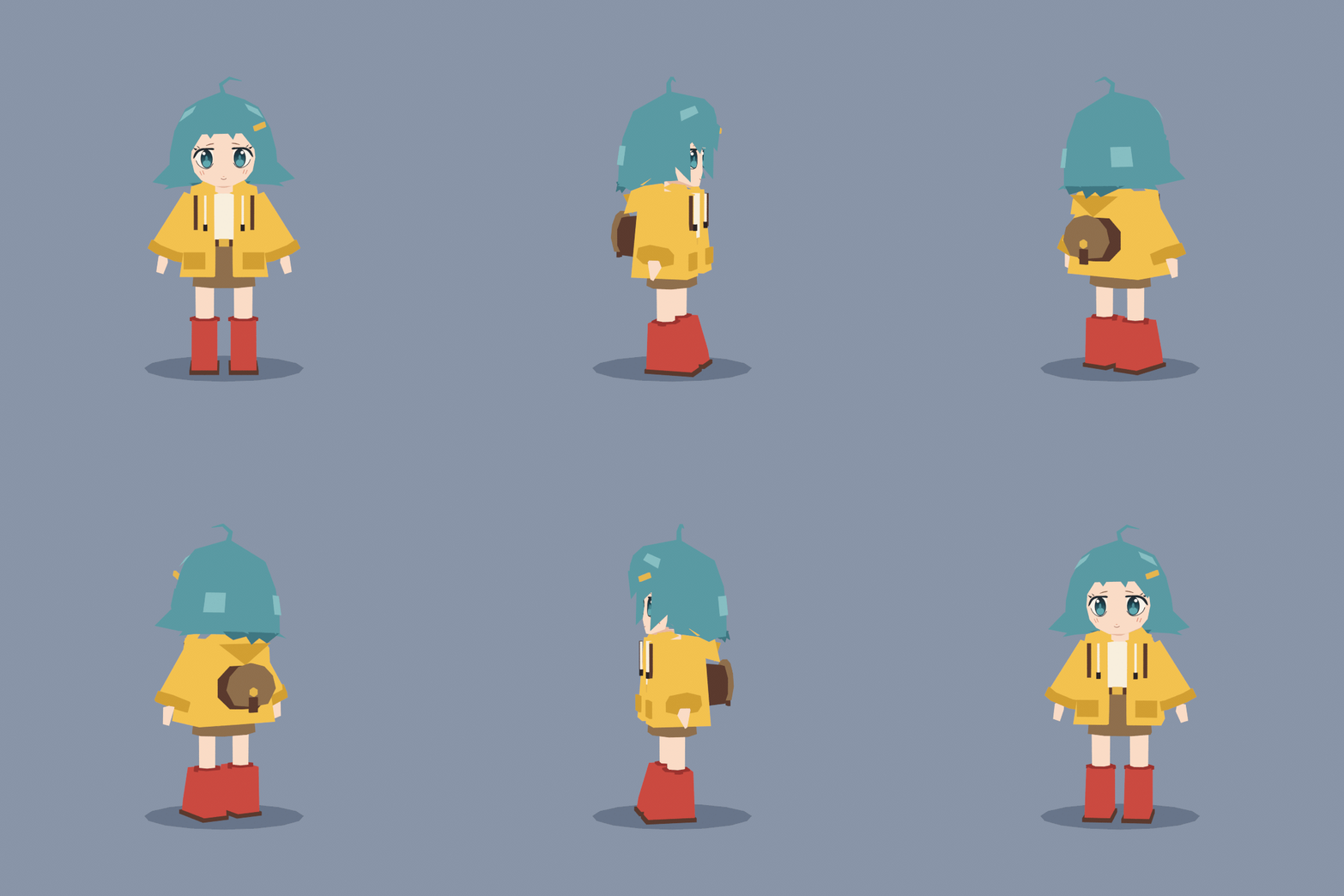
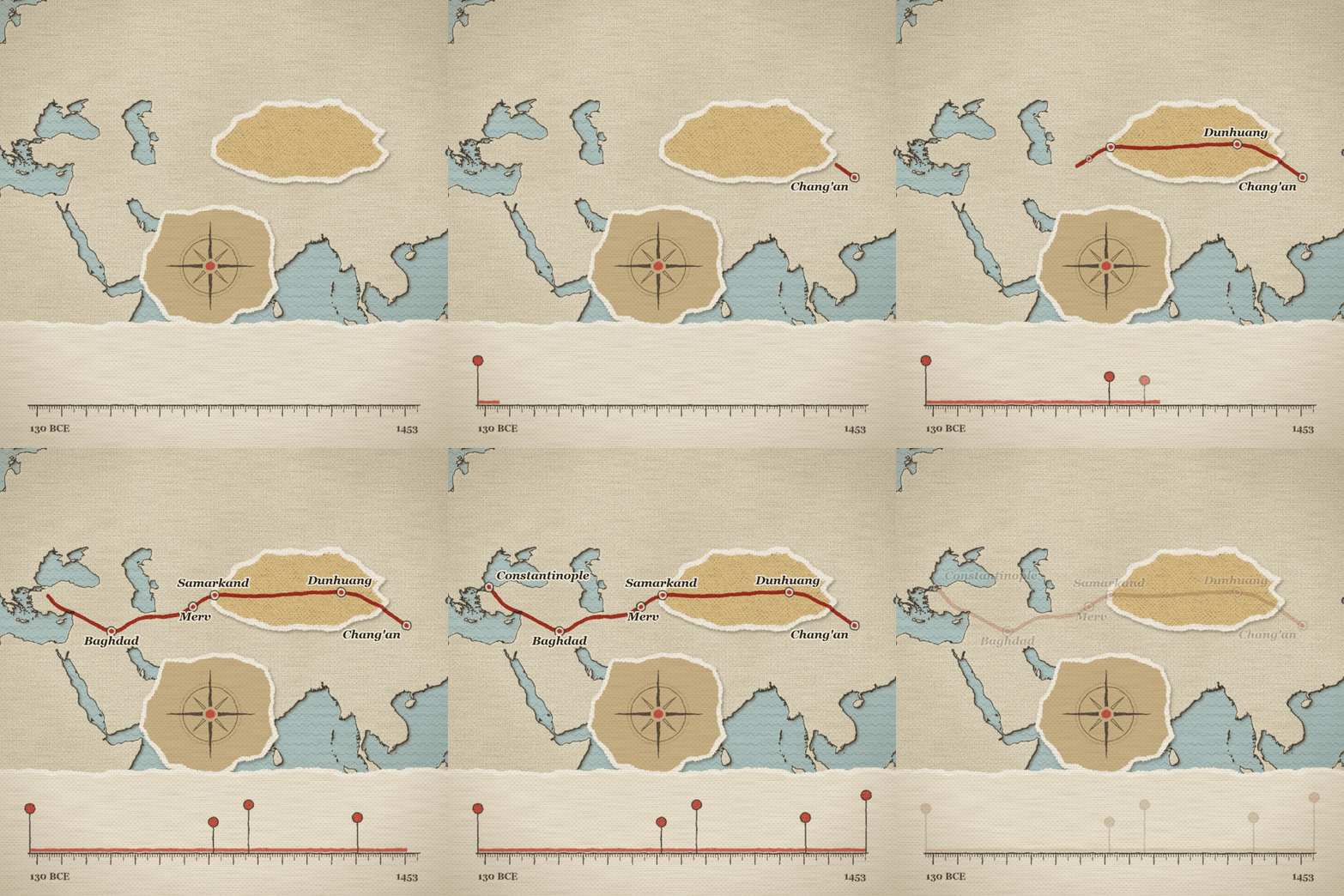
(Images come from the project repository.)
According to the author, this Skill was put together after the AI studied many production tutorials on YouTube. We have not verified how many were studied, and we have not tried the whole process ourselves.
Step 1: Get an AI assistant that can work on your computer
A regular chat AI in a web browser can only answer questions. It cannot create files. You need an AI assistant that can install software and write files on your own computer, such as Claude Code (requires a paid Claude plan) or Codex (requires a paid ChatGPT plan). Once it is installed, open it. Everything after this happens in its chat box.
Step 2: Ask it in one sentence to install everything you need
3D work uses a few free programs. You do not need to find them yourself. Send this to your AI assistant:
Help me install the creator-generalist Skill, and get the free software it needs ready.
Follow these instructions step by step: https://raw.githubusercontent.com/codepawl/creator-generalist/main/INSTALL.md
Before installing each new program on my computer, tell me in one sentence what it does and how big it is, and wait for my approval before installing it.
When it is done, tell me in plain words: what is ready, what is still missing, and what the missing items affect.
It will check and install tools like Blender (a free 3D program). After the install, open a new chat so the Skill takes effect. The rules the agent follows and all the commands are on the Creator Generalist Skill page.
Step 3: Say in plain words what you want to make
You do not need to know any jargon. Describe it using the format below, and replace the brackets with your own ideas:
Sign in to unlock this key section
New accounts get 10 free credits, plus 1 more for each daily check-in. Spend 1 credit to unlock and it stays open for you.
The last three lines matter most. Multiple-choice questions mean you do not need to know the jargon. A preview first means you can change direction right away, instead of finding out much later that it went the wrong way.
Step 4: Answer a few questions and check the preview
It will ask you a few questions, such as whether the frame should be horizontal or vertical, how long it should be, and what style you want. Each question comes with a recommended answer. If you are not sure, pick the recommended one.
Next it will make a preview: a still image or a few seconds of animation. Take your time with this step. Only when the direction looks right should you ask it to continue.
Step 5: If something is not right, just say so
When the finished piece is ready, describe what you do not like in everyday words. You do not need to know how it was made:
Overall it is good, but I have three changes:
1. [The character walks like it's skating. The feet need to plant firmly on the ground.]
2. [The colors are too dark. I want them brighter and warmer.]
3. [The ending is too abrupt. Hold the last two seconds.]
Change only these three things at a time, and keep everything else the same. Send it to me when it is done.
"Change only these, and keep everything else the same" stops it from changing parts you already like. To add sound effects or edit a short video, you can also just say so:
Add fitting sound effects and light background music to this animation, then cut it into a vertical short video under 30 seconds, with English captions.
Use only music and sound effects that are free for commercial use.
Notes
-
The first time is the slowest: installing software can take a while, and you need to leave several GB of disk space free.
-
Old computers may struggle: 3D is demanding on the computer, and older machines can lag. You can start with maps and charts, which are 2D.
-
Do not expect perfection on the first try: it usually takes two or three rounds of changes. Changing only a few things each time is the simplest approach.
-
The project was just open-sourced: it was released only a few days ago, so features and usage may still change. If you hit an error, paste the exact error text to your AI assistant and let it look into the problem.
Comments (0)
No comments yet. Start the conversation.