

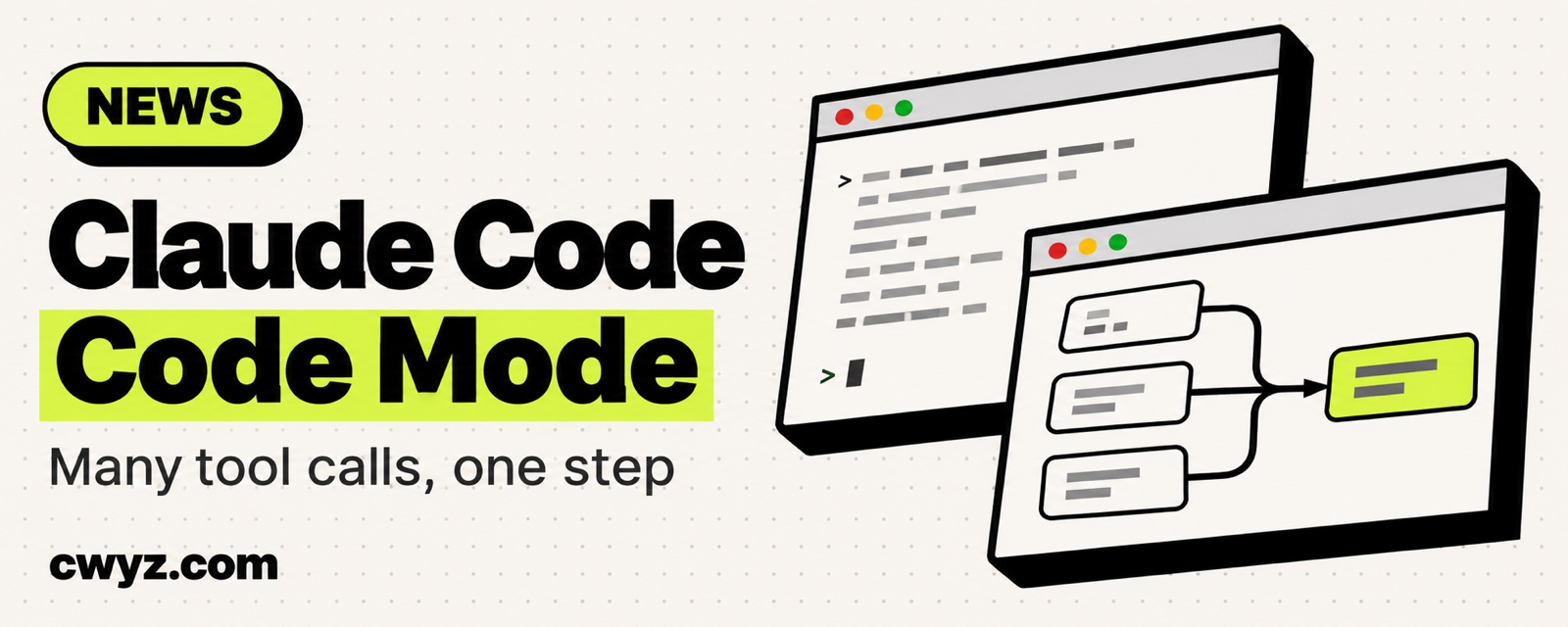
Claude Code has a new experimental feature called Code Mode. Normally Claude uses tools one at a time. It runs a command, looks at what came back, and only then picks its next move. With Code Mode on, Claude first writes a short piece of JavaScript that bundles several tool calls together. Several commands run at the same time, the result of one step feeds straight into the next, and only the part you need comes back for Claude to read. It is off by default, so you have to turn it on yourself. Later versions may change it or even remove it.
What it's good for
Anthropic suggests trying it on tasks that call tools many times in a row.
| Task | The usual way | With Code Mode |
|---|---|---|
| One change that has to be repeated across dozens of files | Read and edit the files one by one | One script finds every file and edits each one |
| A search that returns many results, but you only care about a few | Read the whole pile, then pick | Filter in code first, then hand only the rest to Claude |
| Several unrelated commands | Run them one after another | Run them at the same time |
In the chat, you still see the usual tool calls, such as the diff for a file edit. You don't see the code itself. To look at what Claude wrote, open the transcript with Ctrl+O and expand the line marked Code.
Check these requirements first
- Version: v2.1.323 or newer, and it must be the native installer, not the npm version. To use it with agent teams, you need v2.1.326 or newer.
- Account: A Claude subscription or a Console account. It does not work through a gateway, Amazon Bedrock, Google Cloud, or Microsoft Foundry. It also doesn't work if your organization has HIPAA or zero data retention turned on.
- Model: Fable 5.2, or any of the 5.5 models (Opus, Sonnet, Haiku).
- Where: Only in an interactive
claudesession in the terminal. Headless-pruns, the Agent SDK, the desktop app, cloud sessions, and the VS Code panel are all left out. - Windows: Install Git for Windows first.
- Claude Code won't start with Code Mode if you have an API key helper set up, OpenTelemetry export turned on, or
DISABLE_TELEMETRYset.
How to turn it on
- Run
claude --versionto check your version. If it's old, runclaude update. If the stable channel doesn't have it yet, wait a bit or switch to the latest channel. - Start Claude with the environment variable. On macOS, Linux, and WSL:
export CLAUDE_CODE_EXPERIMENTAL_CODE_MODE=1   # this terminal only
claude
To turn it on every time, add it to the env section of ~/.claude/settings.json with the value "1". Putting it in a project's own settings file does nothing. This is by design, so a repo you clone can't turn it on for you.
- The first time, Claude asks you to confirm. Choose Yes, turn on Code Mode. After a restart, a line that says
Code Mode (experimental) is onappears at the top. That means it's working.
To turn it off, remove the variable or set its value to 0, then start a new session. If a team admin sets it to 0 in managed settings, the whole organization loses access.
Let your AI agent check and try it
This feature lives inside Claude Code, so send the prompt below directly to Claude Code:
I want to try Claude Code's experimental Code Mode. Please help me step by step:

1. Check the requirements. For each item, tell me "met", "not met", or "can't tell". Is the claude version v2.1.323 or newer? Is it the native installer? Am I logged in with a subscription or a Console account? Am I going through a gateway or a cloud platform? Which model is current? Does ~/.claude/settings.json contain apiKeyHelper, OpenTelemetry, or DISABLE_TELEMETRY? For anything not met, explain how to change it.
2. Only do read-only checks. Don't change any of my settings files.
3. If everything is met, give me the one command that turns it on temporarily in this terminal. Don't write it into a settings file.
4. Give me a small task for this project that suits trying Code Mode. It should call tools many times in a row and only read, without changing files. Then tell me how to press Ctrl+O to see the code you wrote.
Notes
- Resuming sessions: If a session was started in Code Mode, the variable must still be
1when you continue it withclaude --continueor--resume. Otherwise, Claude refuses to resume it. - A code block can run for up to 10 minutes: If it doesn't go to the background, you have to wait for it to finish.
- Some features won't work: Remote Control, Claude in Chrome, and computer use are not supported. Sessions also can't be moved to the desktop app or turned into background sessions.
- Permissions still apply: Your
PreToolUsehooks and your deny and ask rules still check every tool call inside the code. In auto mode, the whole code block is reviewed rather than each call. If you want to check each call yourself, don't use auto mode. If you're not sure what auto mode covers, read What Claude Code's Auto Mode Actually Blocks for You. - If something goes wrong: Run
/feedbackin the session to send feedback to Anthropic.
Comments (0)
No comments yet. Start the conversation.