

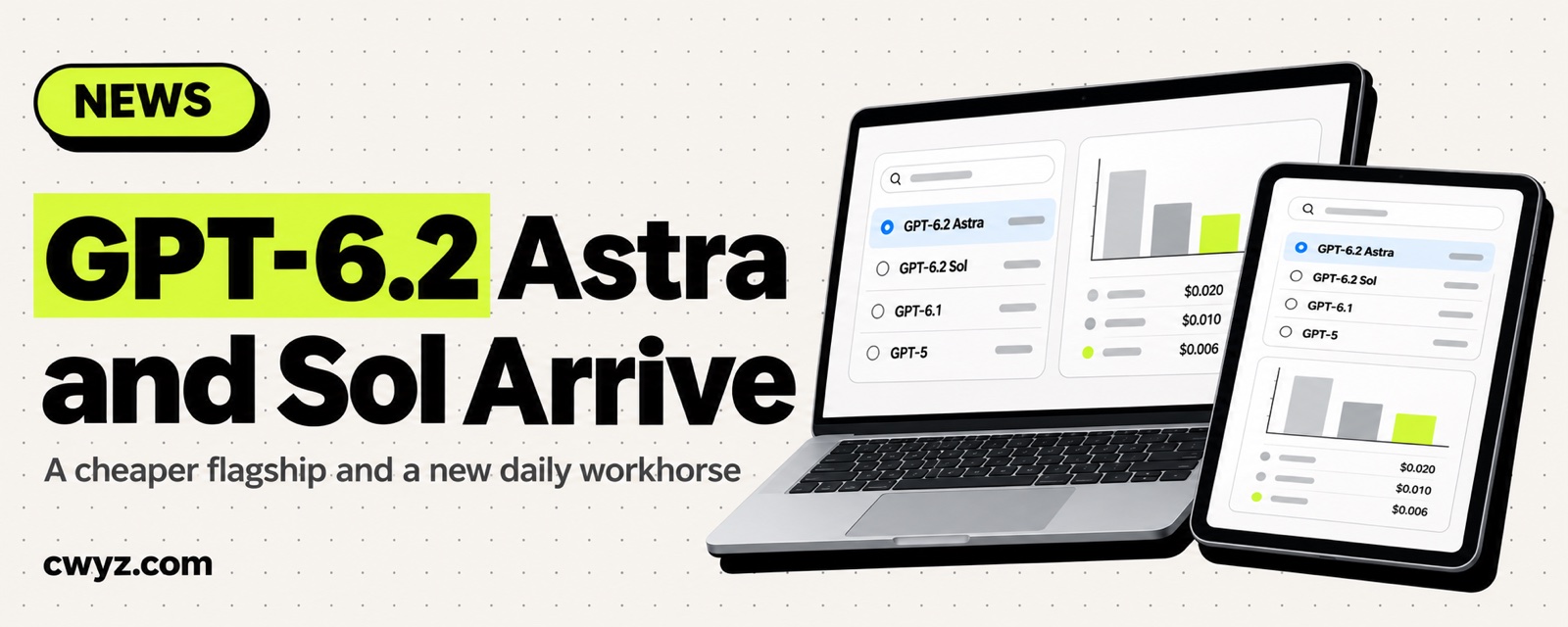
OpenAI officially released GPT-6.2 Astra along with its sibling GPT-6.2 Sol on November 17. Both are available the same day in ChatGPT Work, Codex, and the API. Astra is the strongest model in this generation and handles the hardest jobs. Its API price is noticeably lower than GPT-6 Astra's. Sol is the everyday workhorse, and its price matches the previous Sol. Both have a 1.05 million token context window and can output up to 128,000 tokens in a single response.
How the two models split the work
| Astra | Sol | |
|---|---|---|
| Official positioning | Tough, long-running jobs that need to be carried all the way through | The everyday workhorse for coding and running AI agents |
| Good for | Tracking down a bug across several services, then fixing and testing it, or turning a pile of material into a presentation built on your template | Editing code, writing reports, and turning project notes into a plan |
| API price (per million tokens) | $8 input, $0.4 cached input, $40 output | $2 input, $0.1 cached input, $10 output |
| Compared with the previous generation | GPT-6 Astra was $10, $1, and $50. All three prices dropped, and cached input dropped the most | Same as GPT-6.1 Sol |
| Knowledge cutoff | May 2026 | June 2026 |
A single request with more than 272,000 input tokens is billed at a higher rate. Input and cached input double, while output goes up by half. The higher rate applies to the whole request. The batch API is half price.
On the Artificial Analysis overall intelligence leaderboard, the new Astra ranks second. First place still goes to Anthropic's Claude Fable 5.2. Early users disagree. Some like that it is cheap and gets the job done. Others say its write-ups are harder to read than Claude's.
Where you can use them
- ChatGPT Work and Codex: Every paid plan from Plus upward gets them, including the Business, Enterprise, and Edu tiers. You can pick them on the web, on mobile, in the desktop app, and in the Codex command line. Enterprise and Edu have them off by default. An admin needs to turn them on in the workspace settings.
- Free and Go plans: Not available yet.
- Choosing a model in Codex: In the desktop app, use the model control below the input box. If you see a Power slider, click Advanced to pick Astra. In the command line, start with
codex --model gpt-6.2-sol, or type/modelduring a session to switch. Codex defaults to a 272,000 token context. - API: Call them as
gpt-6.2-astraorgpt-6.2-sol. Both work with the Responses API and Chat Completions. To use tools, you need the Responses API. - Third parties: OpenRouter, Perplexity, and OpenClaw added support on day one.
If you are new to Codex in the ChatGPT desktop app, read Let Codex Do the Work in the ChatGPT Desktop App first.
Two changes to watch for if you call the API yourself
- Reasoning gets dropped when you change earlier turns. From this generation on, the Responses API throws away saved reasoning if you edit earlier conversation history (for example, an earlier developer message or tool call), switch models midway through, or change the end user or organization. The model has to think again, so answers can get worse and cost more tokens. Keep the earlier content unchanged, and you still get the cache discount.
- Top-level
instructionsmoved. It now comes afterinput. To get the cache discount on fixed instructions, put them ininputas the first developer message. Use top-levelinstructionsonly for instructions that apply to that one request.
OpenAI also says Astra writes shorter, more direct answers by default, so you can remove "be concise" from your system prompt when you migrate. If a task is unclear, Astra may pause, propose what to do, and hold off until you say yes. For long tasks, tell it clearly that it can make reasonable assumptions and finish the job on its own.
Ask your AI agent whether to switch
OpenAI has two new models out, GPT-6.2 Astra and Sol. Please help me decide whether I should switch, and how to do it:

1. First, check what I am using now. Look through this project and my AI agent configuration for every OpenAI model name (config files, environment variables, and the model parameter in code). List them in a table and tell me what each one is doing.
2. Sort them by task. Suggest gpt-6.2-astra for hard tasks that need to be finished in one go, and gpt-6.2-sol for everyday coding, writing, and batch jobs. Give one sentence of reasoning for each.
3. If my code calls the Responses API directly, check two things: whether I edit earlier messages in the middle of a conversation or switch models mid-conversation, and whether the top-level instructions contain a long block that stays the same every time. If so, tell me what the impact is and how to fix it.
4. Give me the plan only. Do not change any files. After I confirm, make the changes, then run one small task on both the old and new models and show me the results and costs side by side.
Notes
- Subscribers are billed by quota: In ChatGPT and Codex, usage does not follow the API prices above. It counts against your plan's usage quota. Fast mode uses twice the quota, and Ultrafast uses even more.
- Ultrafast pricing goes up later: The API Ultrafast price is currently 3 times the standard price. From March 1, 2027, it becomes 6 times.
- Opinions are still forming: The launch was only a day ago. Reviews will settle as more people use the models. Before you switch your main model, compare both on your own real tasks.
Comments (0)
No comments yet. Start the conversation.