

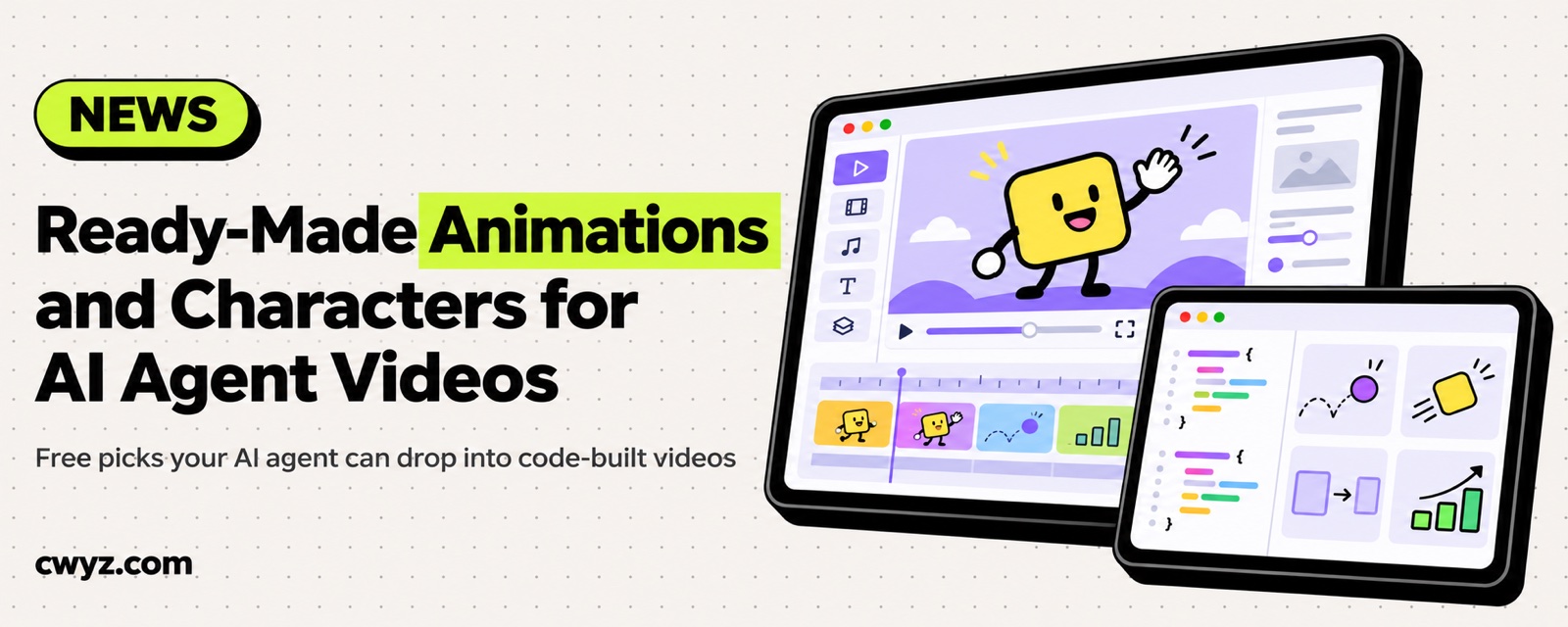
Whether you build your video with HyperFrames, Motion Canvas, or an HTML page that your AI agent writes and renders to MP4, the slowest part is usually the motion: transitions, title cards that pop in, or a little character that blinks and talks. Free and commercially usable assets already exist for most of this, so let your AI agent pick the right ones and wire them into the video. Below, the assets are split into two groups, animation presets and characters. Licenses were checked against each project's official repository or license page (November 2026).
Animation presets: transitions, titles, charts
| Library | What it's good for | License |
|---|---|---|
| HyperFrames official component library | HeyGen's open-source framework for writing HTML that renders to video. It ships with about 450 building blocks: transitions, titles, and word-by-word effects, plus charts, captions, camera moves, glitch effects, and old-TV looks. Once installed, the components are plain source code you can edit freely | Apache-2.0 |
| GSAP (including SplitText, MorphSVG, and all other plugins) | A long-standing web animation engine. Splitting text into letters, morphing SVG shapes, and moving objects along a path all rely on it. HyperFrames uses it by default | Free for commercial use under GSAP's own free license, which is not a standard open-source license |
| Magic UI | React components for animated counters, glowing outlines, scrolling marquees and spotlight effects. Useful for making product screens look polished | MIT |
| anime.js | A lightweight animation engine for timelines and staggered entrances | MIT |
| Animate.css | Ready-made CSS entrance and exit effects | Hippocratic License 2.1, which includes human-rights terms. It is not MIT, so read it before using it commercially |
| Motion Canvas / Revideo | Build explainer animations in code: formulas, diagrams, and code highlighting. Revideo is a fork of Motion Canvas that can render straight to video | Both MIT |
Remotion is popular too, but it is free only for individuals and companies with three or fewer people. Larger companies need to buy a license. If you want to try it anyway, start with our Remotion beginner tutorial.
Characters: animated people and small mascots
| Library | Format | What it's good for | License |
|---|---|---|---|
| Rive Community | Rive vector animation with state machines | Characters whose eyes, expressions and lips are all controllable. Ideal for a talking assistant, because the lips can move with the voiceover | Player code is MIT. Community files are CC BY, so credit the author |
| LottieFiles | Lottie (JSON) | A large library of ready-made characters, icons, and small scene animations. HyperFrames can load them directly | Free animations use the Lottie Simple License, which allows commercial use and does not require attribution |
| Open Peeps | SVG | Hand-drawn-style people. Mix heads, bodies, and expressions freely, then animate them with GSAP | CC0 |
| Quaternius, Kenney | 3D (glTF and similar) | Low-poly characters, many with built-in walk, run, and wave animations. Load them into a web page with Three.js | Mostly CC0. Check each pack's download page |
| Mixamo | 3D characters and motion capture | Automatic rigging, and thousands of motions you can apply directly | Free with an Adobe account and usable in commercial work. You cannot redistribute or sell the raw files on their own |
How to combine them
- Packaging only (intros, key-point cards, transitions): the HyperFrames component library plus GSAP is usually enough.
- A cartoon host or assistant: pick Rive, which gives you control over expressions and mouth shapes. If you only need one ready-made motion, Lottie is faster.
- A 3D scene: pair Quaternius characters with Mixamo motions, and render them with Three.js.
Let your AI agent pick and wire them in
I'm making a video with web code (framework: [HyperFrames / Motion Canvas / my own HTML page]). The video is about [topic], and I need [an intro animation / key-point cards / transitions / a talking cartoon character / a 3D character].

1. Start by finding suitable options in these libraries: HyperFrames component library, GSAP, Magic UI, anime.js, LottieFiles, Rive Community, Open Peeps, Quaternius, Kenney, and Mixamo. Give me 2 to 3 candidates for each, with the source link and the license.
2. Only pick assets that are licensed for commercial use. If an asset requires attribution (such as CC BY), write the credit line for me too. Skip anything whose license is unclear.
3. Once I've made my choices, download them into the project's assets folder, wire them into the video, and render a 5-second preview for me to check.
4. If a site requires an account to download (such as Mixamo), tell me where to get the file and I'll do it myself. Don't log in for me.
Notes
- Licenses apply per file: on the same site, different authors can have different licenses. The download page is the final word.
- Don't forget attribution: if you use a CC BY asset from the Rive Community, credit the original author in the video description or the end credits.
- Don't resell raw files: you can use Mixamo and LottieFiles assets in your own videos, but you can't package the original files and sell them as an asset pack.
- Licenses change: the details above were checked in November 2026. Take another look before you use anything commercially.
HyperFrames · GSAP license · Rive Community guide · LottieFiles license · Open Peeps · Mixamo licensing FAQ
Comments (0)
No comments yet. Start the conversation.