

Context engineering means managing "what the model can see at this step": put in what's needed, take out what's not, and compress what's too long.
Remember these points first
- Difference from prompt engineering: a prompt is a one-time, static instruction, while context engineering manages a whole set of information that changes over time.
- There are five types of context: instructions, knowledge, tools, conversation history, and user preferences.
- Plan first: state the outcome, then map out the information sources, and finally build the pipeline (retrieval, MCP, etc.).
- Four everyday techniques: write it down, select it in, compress, isolate.
Going deeper
Why manage it. The window size is limited. As information grows, the important things get diluted. You have to actively decide what goes in and what comes out.
Three planning steps. First, write down "what the world should look like when the task is done." Next, think about "what information is needed to get there, and where it is." Finally, think about "how to get the information in": retrieval, calling APIs, or MCP all work.
Four techniques.
- Write it down: Have the agent keep notes on the current task in a scratchpad outside the window, and retrieve them when needed.
- Select it in: Only put memories and materials related to the current step into the window.
- Compress: When a conversation gets too long, have the model summarize it into key points, or trim old content.
- Isolate: Put different subtasks into different agents or sessions, each managing its own context.
Common failures. Irrelevant information distorts judgment, contradictory information conflicts with itself, and outdated information keeps taking up space.
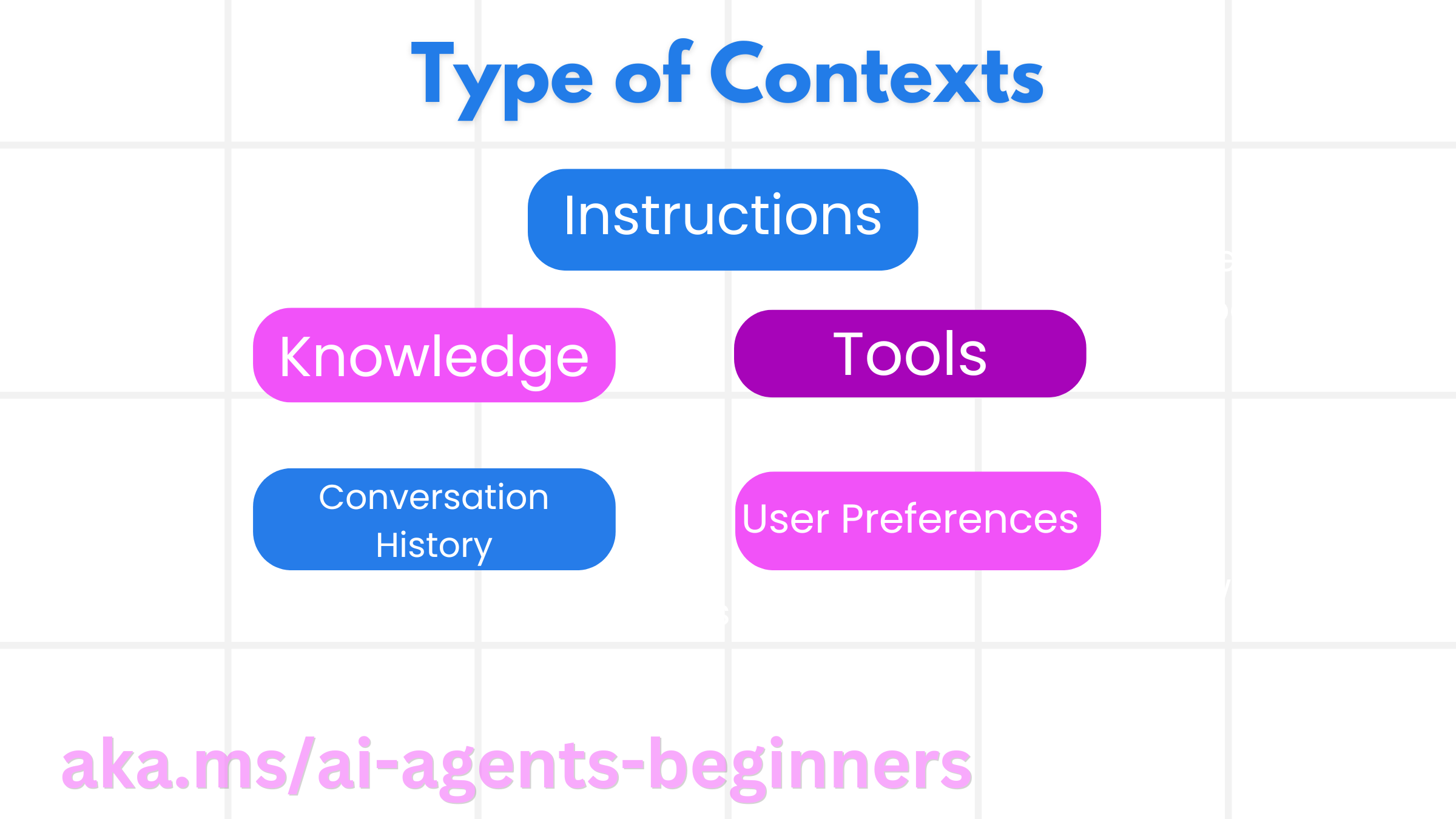
Image from the course repository.
Try it yourself
Pick a long conversation you've had with a model, have it compress into ten key points, then use those ten points to start a new conversation and continue. See whether the quality drops.
Let an agent teach you
Give the following to your agent (Claude Code, ChatGPT, and Gemini all work), and it will guide you step by step like a mentor.
Sign in to unlock this key section
New accounts get 10 free credits, plus 1 more for each daily check-in. Spend 1 credit to unlock and it stays open for you.
References
- Content adapted from Lesson 12 (
12-context-engineering) of microsoft/ai-agents-for-beginners, originally under the MIT license. - For the original and full code: 12-context-engineering
- For all courses, see the Agent course roadmap
Comments (0)
No comments yet. Start the conversation.