

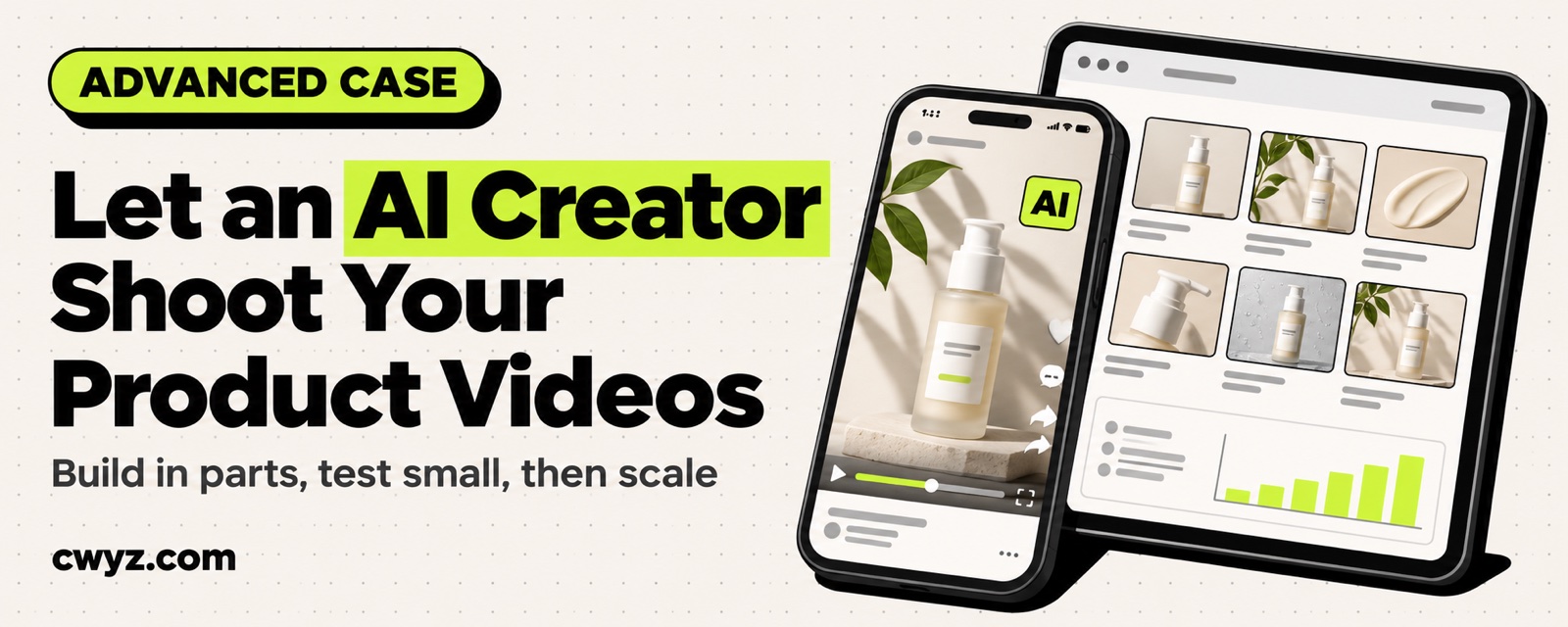
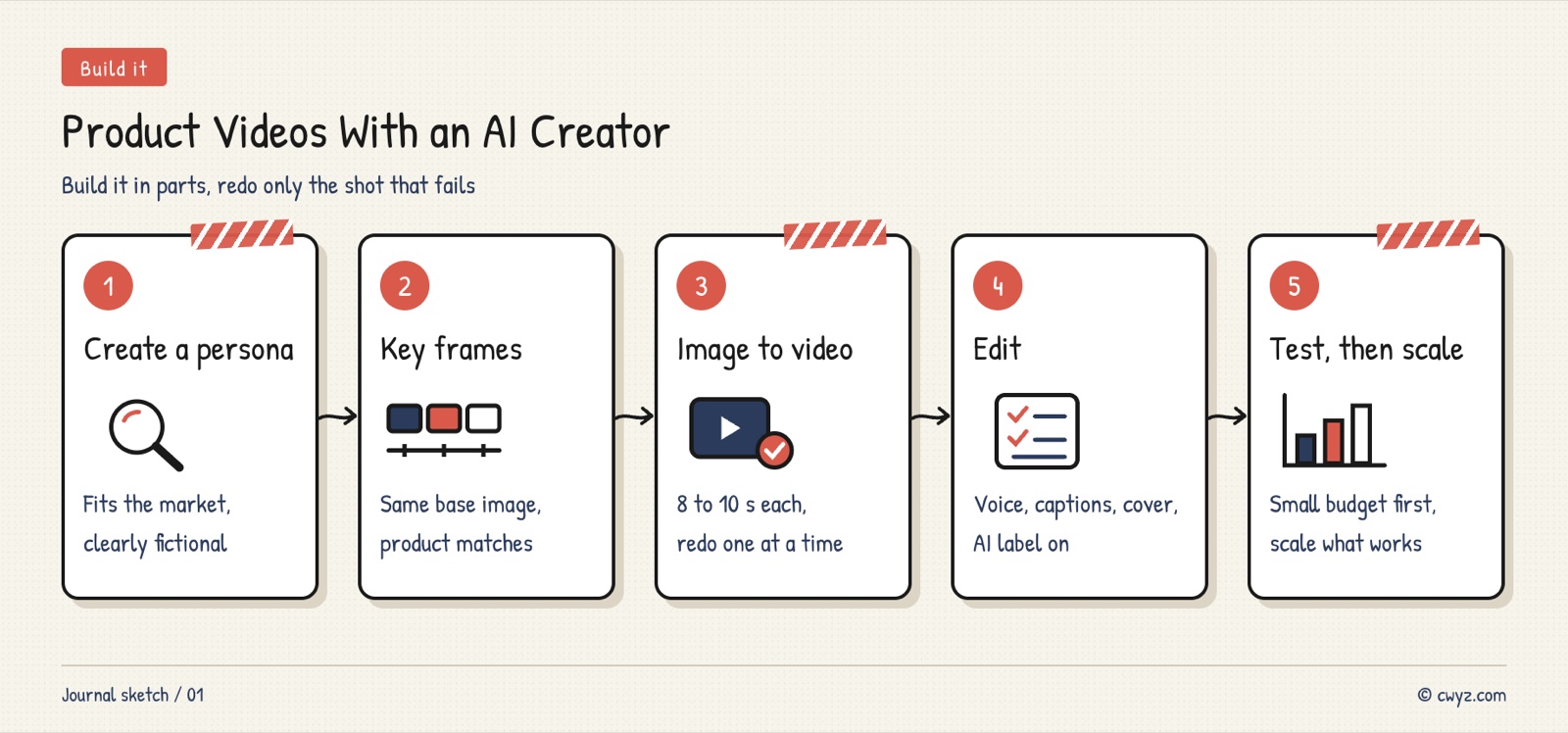
A TikTok seller shared how a professional content team makes AI product videos, using a skincare brand from Thailand as the example. The team starts by using GPT to create a virtual creator whose look suits the target market. Then they build about six key shots around her and feed each one into a model like Grok or Veo, which turns it into an 8 to 10 second clip. Last, they assemble the clips in CapCut and add sound, captions and a cover. After posting, they check ad spend and views, and the clips that get traction move into TikTok's GMV Max for automated ad delivery. According to the author, the team skips one-click tools that generate a whole video. The quality falls short of what they need, and the cost is high. The secret of pro teams is to split one video into swappable parts, and redo only the shot that fails.
The Production Line at a Glance
| Stage | Tools | Output | What to watch |
|---|---|---|---|
| Prep | People | A written set of creator and shot prompts, plus an editing template | The author calls this the most professional part, and it is not public |
| Virtual creator | Text-to-image (the author uses GPT) | One realistic creator portrait, with age, outfit and skin tone that fit the target market | It should look like a real phone selfie, not studio lighting or beauty filters |
| Key shots | Image generation based on the same portrait | About 6 key frames per video: opener, picking up the product, applying it to the face, close-up, comparison, recommendation | Every frame shows the same person |
| Clips | Image-to-video (the author has used Grok and Veo) | Each frame becomes an 8 to 10 second clip | Natural motion, and the product keeps its shape |
| Assembly | CapCut | Clips stitched together, with voiceover, captions and a cover | Pacing, selling points and caption placement |
| Ads | TikTok Ads | Small test budgets first, then the clips that get views move into GMV Max | Spend and view data |
This is the author's public share. It includes no ad performance data, and we have not tested it ourselves. Model and TikTok ad rules change fast, so check the latest official documentation.
Why It Works: Three Reasons
- Splitting it up makes it easier to fix: With a one-click video, any problem means starting over. Splitting it into three layers (the creator, the shots and the clips) lets you swap the product by changing only the shots, and fix one bad shot by regenerating only its clip. Rework costs drop a lot.
- Lock the person first, then the shots: Every shot starts from the same portrait, so viewers keep seeing the same "creator." That builds far more trust than a new face in every shot.
- Let the data decide the budget: Test with a small budget first to find the clips people actually watch, then put the money behind those. No guessing.
Build It: A Five-Step SOP
Give the table and template below to your AI agent. It can write prompts, plan the shots and keep track of data for you. Check each step against its done criteria as you finish it. You click the buttons to generate images and videos, edit, and run ads yourself.
Sign in to unlock this key section
New accounts get 10 free credits, plus 1 more each day you sign in (none on days you don't). Spend 1 credit to unlock and it stays open for you.
Safety Basics
- Label AI-generated content: Realistic AI people in product ads must be labeled as AI-generated on TikTok. One step in the original share removes the AI watermark. We do not recommend that, because unlabeled realistic AI content can get limited reach or be taken down.
- Don't pass it off as a real person: The character must be fictional. Don't use the face or name of a real blogger or celebrity, and don't let viewers think a real person tested the product.
- Follow the rules on claims: Skincare and health products face advertising limits in many countries. Don't write exaggerated or medical claims.
- Manage the ad money yourself: You run the ad account and set the budget. Your AI agent only analyzes the data and makes suggestions.
Common Pitfalls
- Generating a new person for each shot: Without one master portrait as a reference, six shots mean six faces. Lock the person first, then make the shots.
- Warped product images: AI often gets the text and colors on packaging wrong. Buyers notice the difference when the item arrives, and that leads to bad reviews. Check every shot against the real product.
- Generating the whole video in one go: You lose control. A fix to one part means redoing everything, and that costs more.
- Spending before testing: Giving one clip a big budget on a hunch often wastes money. Test small, then scale based on data.
- Ignoring comments: When viewers ask "Is this a real person?" or "Does it really work?" and you have no answer, trust drops fast. Prepare one consistent answer in advance.
If you want to batch-copy a hit video for your own product, read the advanced tutorial Let your AI agent recreate viral promo videos for your product. For how to work with real-person creators, see the case Let your AI agent help you launch a TikTok Shop solo.
Where it usually breaks
- 01Generating a new person in every shot, so six shots show six faces.
- 02Product packaging and colors come out wrong.
- 03Generating the whole video at once, which is hard to fix.
- 04Scaling the budget before testing.
- 05Relying on AI alone and having no answer to viewers' questions.
Comments (0)
No comments yet. Start the conversation.