

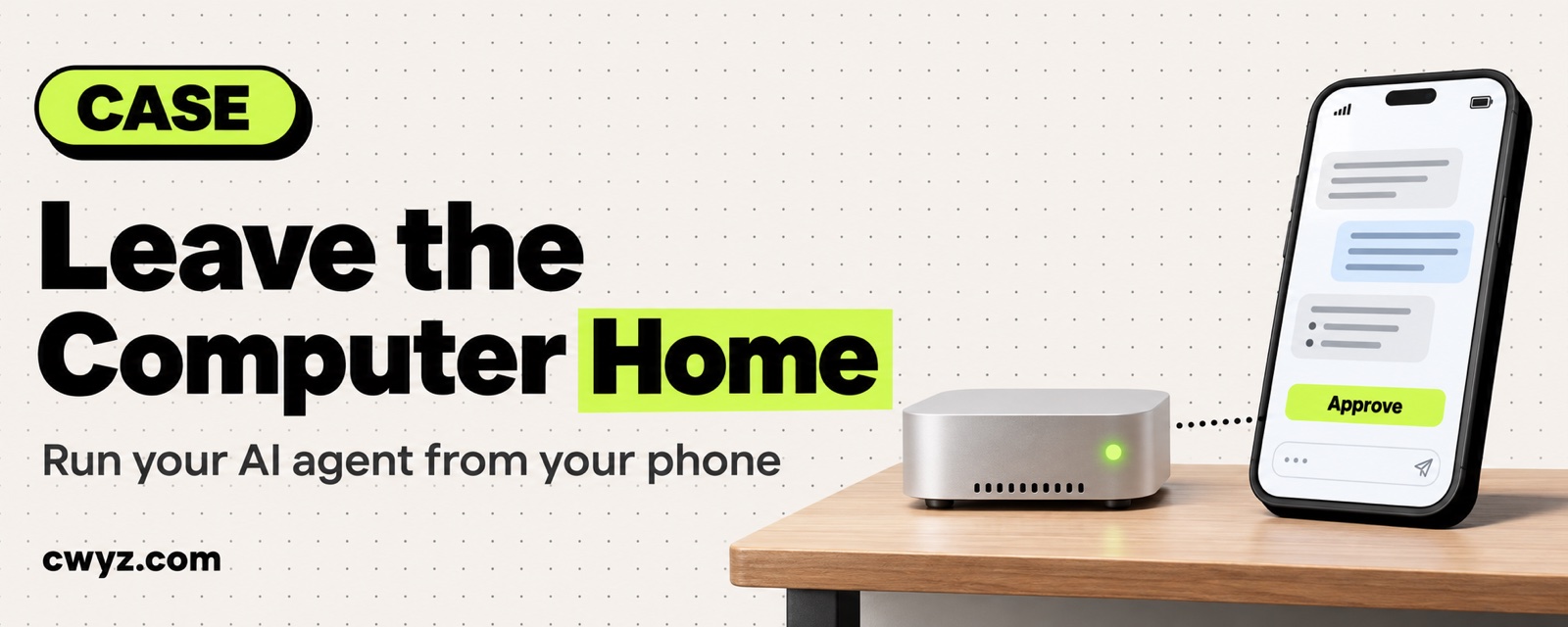
An indie developer moved all their projects and AI agents off a laptop and onto a Mac mini that stays on at home. By their own public account, they now leave the computer behind and use a phone to dispatch tasks, check progress and review changes. Closing the lid, losing the network or driving somewhere does not interrupt a long-running agent job. The key is to let your agent live on a computer that is always on. Wherever you go, you just connect back to it.
How the work is split now
| Device | What it does | What it no longer does |
|---|---|---|
| Mac mini at home | Stays on 24/7. All projects, dev environments and agents (Codex, Claude Code and others) run here | Doesn't travel with you |
| Laptop | Connects back to the mini to dispatch tasks and review what changed | Doesn't run agents on its own anymore, and can be closed at any time |
| Phone | Checks progress on the go, dispatches the next task, and approves actions the agent wants to take | Doesn't need the computer opened |
| Remote desktop | The few operations that need a graphical interface | Not needed for everyday task dispatch |
What ties these devices together is T3 Code, an open-source tool. It manages agents from different vendors on the mini in one place. You install its client on your phone and laptop and connect back home through the official T3 Connect service, so you don't have to configure router ports yourself.
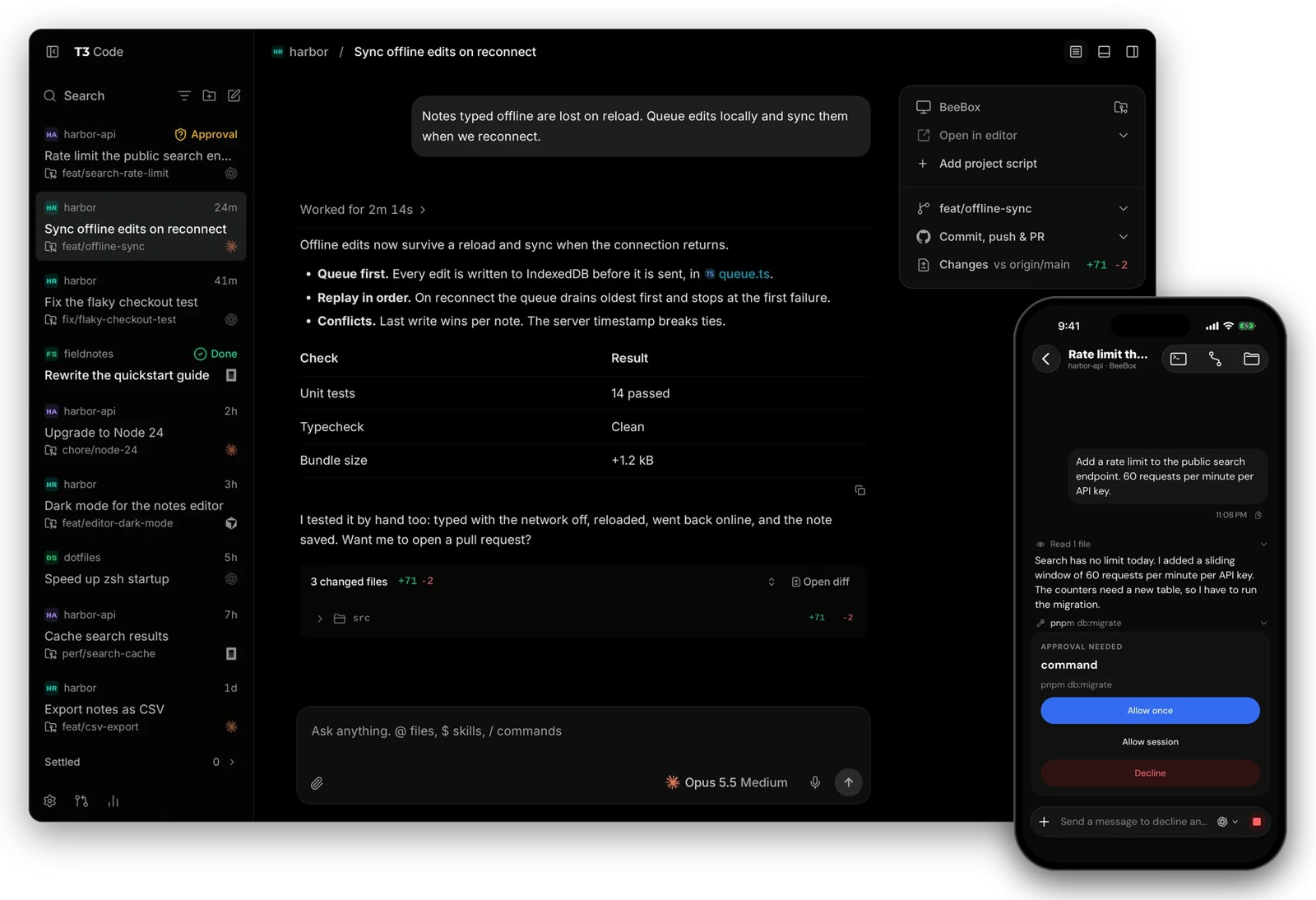
Screenshot from the official T3 Code repository.
These steps and results are the developer's public claims. We have not verified them, and we have not set this up ourselves.
Why it works: three reasons
- The agent follows the computer, not the person. Long jobs suffer most when a laptop sleeps or drops offline. On an always-on machine, it keeps working no matter where you are or whether your own devices are awake.
- The phone only dispatches work and makes the calls. The real work happens on the machine at home. The phone just gives instructions, checks results and approves risky actions, and a small screen is enough for that.
- There is only one development environment. Projects, dependencies and logins live in one place. Switching laptops or phones doesn't mean setting everything up again.
Build it: a five-step SOP
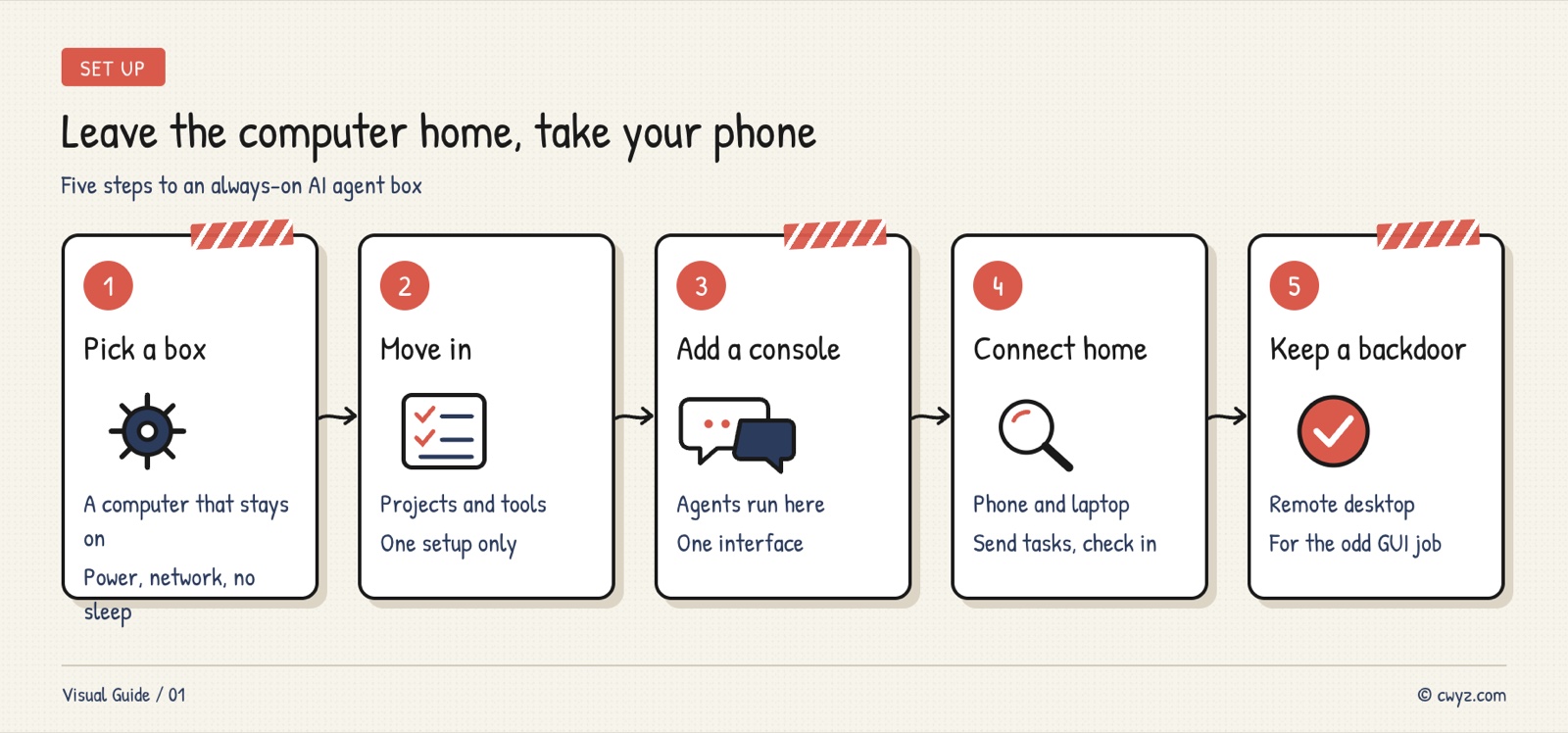
Hand this to your AI agent, and have it check each step against the "Done when" column as it goes.
Sign in to unlock this key section
New accounts get 10 free credits, plus 1 more each day you sign in (none on days you don't). Spend 1 credit to unlock and it stays open for you.
Security baseline
- Don't open ports directly on your router. Use an official connection method or a private network. A port without a password exposed to the internet is like handing your computer to a stranger.
- Require your approval for new devices. T3 Connect can require approval for new devices, so even a stolen account can't connect in.
- Approve risky actions on your phone. For deleting, pushing or paying, make the agent stop and wait for you to tap approve on your phone.
- Don't keep unnecessary accounts on the host. Keep online banking, personal email and other logins unrelated to development off this machine.
Common pitfalls
- The computer falls asleep. Systems sleep by default, so a task stops halfway. After setup, leave for an hour and test it once.
- Power or network outages at home. An always-on machine is most vulnerable to power cuts. Before starting an important long task, check that the machine is online. It's best to set it to turn on automatically after a power cut.
- Two sets of environments on two machines. If you keep a copy on the laptop too, the two drift apart as you keep changing things. Once you've moved everything, keep only the client on your laptop.
- Using remote desktop for everything. Remote desktop is laggy and uses a lot of data. Use the console for everyday dispatch and treat remote desktop as the backup door only.
To start by running the agent on your computer from your phone, read the beginner tutorial Run the AI Agent on Your Computer From Telegram. To compare similar consoles, read the news Picking Between Orca, T3 Code and Synara for Your AI Agents. Project page: T3 Code
Comments (0)
No comments yet. Start the conversation.