

Is Your AI Agent Getting Dumber? Clean Up Its Memory Files
What you'll get
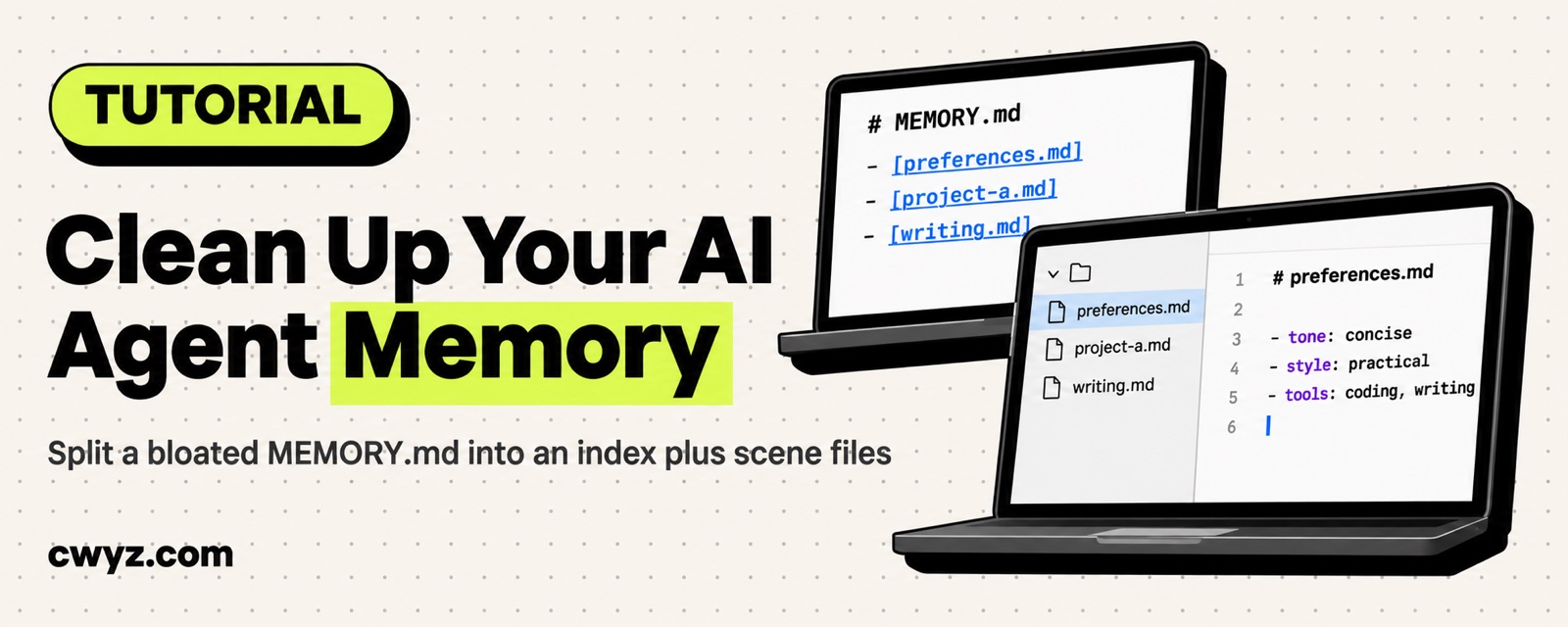
Use one prompt to have your AI agent reorganize its own memory. It splits a bloated MEMORY.md into a short index plus several category files. From then on, each conversation loads only the file that matches the current task. This works with any AI agent that has memory, including Claude Code, Codex, and Meta Muse.
More memory isn't always better. An agent can only take in so much at once, and past that limit, it starts forgetting everything.
Why memory slows an agent down
When an AI agent starts a new conversation, it reads through its memory files first. The longer those files get, the more effort it spends working out what happened before, and the less it has left for what you want it to do now.
This usually shows up in three ways:
- Going off track: You ask it to fix a piece of code, and it starts talking about an unrelated project from last week, because the two were jumbled together in its memory.
- Contradictions: An old preference and a newer one sit side by side, so it sometimes follows the old one and sometimes the new one.
- Slowdown: Once a memory file runs past a few hundred lines, just reading it eats up a large chunk of the context window.
The root cause is that an agent's context window is limited. The fuller its memory, the less room it has for the task in front of it.
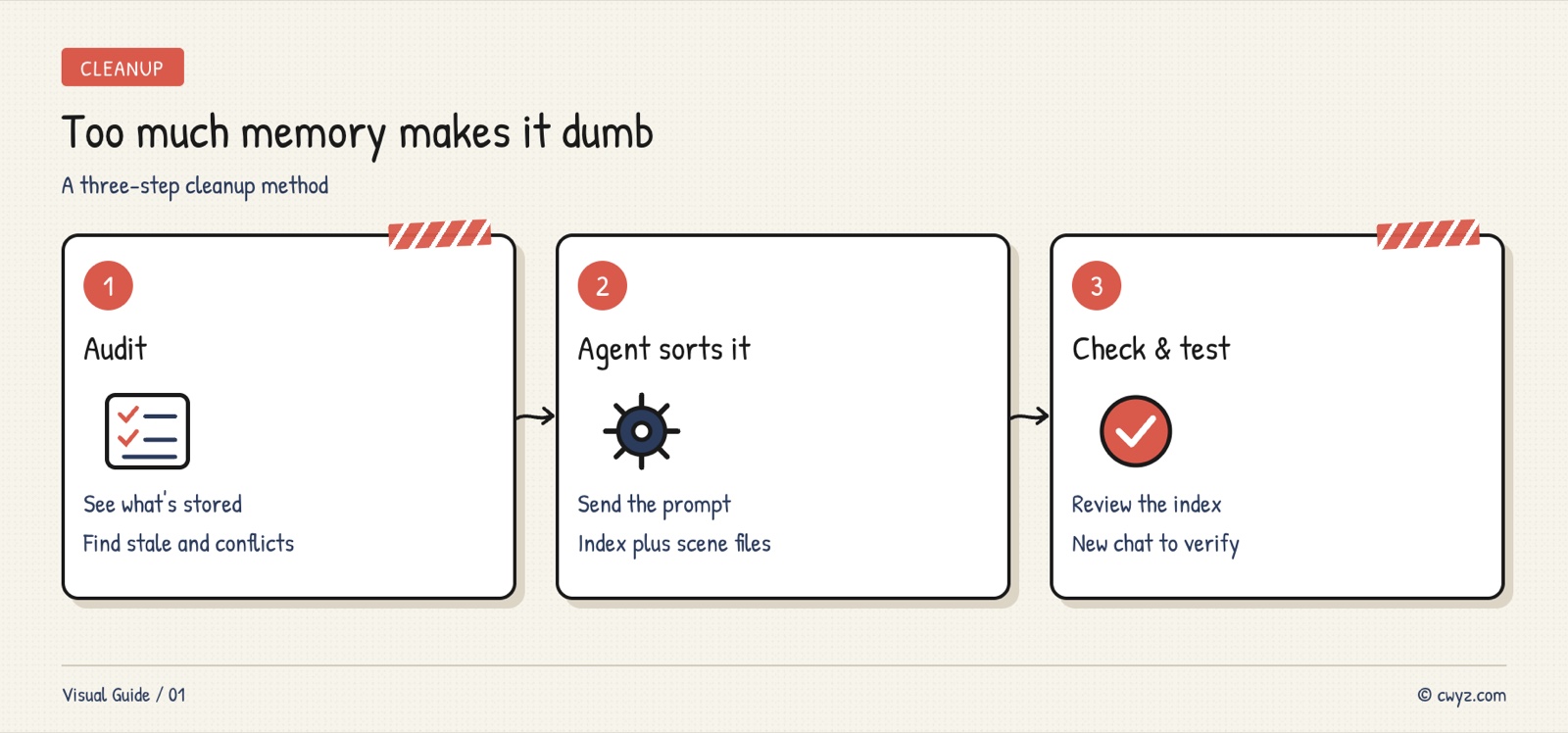
Step 1: Look at what's in memory now
Before you reorganize anything, take a look at what your agent has stored.
Claude Code users can type /memory in the terminal to see the contents of MEMORY.md. Codex users should check ~/.codex/AGENTS.md or the memory folder. Meta Muse users can find Memory in the settings.
As you read, watch for three things:
- Entries that were never used again (a temporary decision from a project three months ago)
- Conflicting notes ("I prefer TypeScript" and, later, "this project uses JavaScript," both still there)
- Long sections that would work better as separate files (a full tech stack description for one project)
If memory runs over 100 lines, or your agent has been giving off-topic answers lately, it's time for a cleanup.
Step 2: Let the agent do the cleanup
Send this prompt to your AI agent. It will read its current memory, sort it by type, and build an index.
Sign in to unlock this key section
New accounts get 10 free credits, plus 1 more for each daily check-in. Spend 1 credit to unlock and it stays open for you.
The prompt doesn't say where memory files should live. Different agents store memory in different places, so it's more reliable to let the agent find them itself. It works with whatever files it can access.
Pay attention to step 5, where the agent has to ask before deleting anything. That's your safety check. An agent's judgment about what counts as "temporary" or "outdated" isn't always right, so review its list yourself.
Step 3: Check the result
Once the agent finishes, do two things.
Check the index. Open the trimmed main memory file and confirm that the categories make sense and that each path points to a real file. A good index looks like this:
## Memory index

- Long-term preferences → memory/preferences.md (read every conversation)
- Project A → memory/project-a.md (read when working on Project A)
- Project B → memory/project-b.md (read when working on Project B)
- Writing style → memory/writing.md (read when writing articles or emails)
Run a test. Start a new conversation and ask the agent to do something it used to get wrong. See whether it does better. If it still drifts, the "when to read" notes in the index are probably too vague. Make them more specific.
Notes
- Not every agent stores memory in files. If yours only has a single memory text box (like ChatGPT's Memory), the same idea applies: keep it short and organize it by scenario within that box. You just can't split it into separate files.
- Cleaning up once doesn't mean you're done. Check it every month or two. Delete outdated project memories and update preferences that have changed.
- More files isn't always better. Splitting memory too finely makes it harder for the agent to decide which file to read. Five to ten category files is usually enough.
- If you're juggling several projects at once, splitting memory by project is more practical than splitting it by topic.
References
- Agent Course 13: Let Your Agent Remember You: explains the three types of memory and how they work under the hood
- After Thousands of Notes, the Most Useful Thing to Teach an Agent Was What Not to Do: guardrails for managing notes in Obsidian, and the same thinking applies to memory cleanup
Comments (0)
No comments yet. Start the conversation.